
What It Does
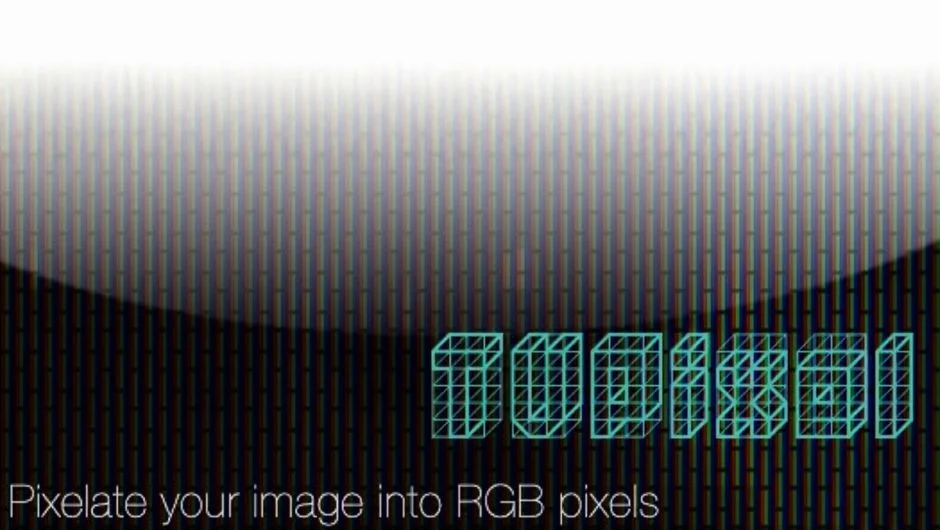
TVPixel simulates the RGB pixel structure of actual television and LCD displays. Instead of generic blur or mosaic effects, it breaks down footage into individual red, green, and blue subpixels, matching how screens physically render images. This works both for realistic screen simulation (showing how footage appears on a monitor) and as a stylistic glitch or retro effect.
The plugin runs natively in After Effects and Premiere Pro, with 32-bit floating point support in After Effects for high-end compositing workflows.
Key Features
RGB pixel rendering. Separates pixels into red, green, and blue components, replicating the subpixel layout of real screens. Useful when you need footage to look like it’s being displayed on a TV rather than just pixelated.
Custom pixel gap controls. Adjusts spacing between pixels to match different screen types or exaggerate the effect. Added in version 1.0.3, this gives control over how dense or separated the pixel grid appears.
32-bit float support (After Effects). Processes high dynamic range footage without clipping, maintaining color fidelity when working with HDR or log footage.
Who It’s For
Motion designers creating screen mockups, broadcast graphics, or retro video game aesthetics. VFX artists simulating displays in sci-fi interfaces or surveillance footage. Anyone needing screen pixelation that looks like an actual display device, not a generic downscale.
Also fits projects requiring digital glitch looks, 8-bit style animation, or intentionally degraded video aesthetics.
Pricing
Full license costs $39.99. A render-only license ($9.99) exists for command-line render nodes, but requires owning at least one full license. Free trial available.
Floating licenses work with the aescripts Floating License Server for studios managing shared seats across workstations.