
What It Does
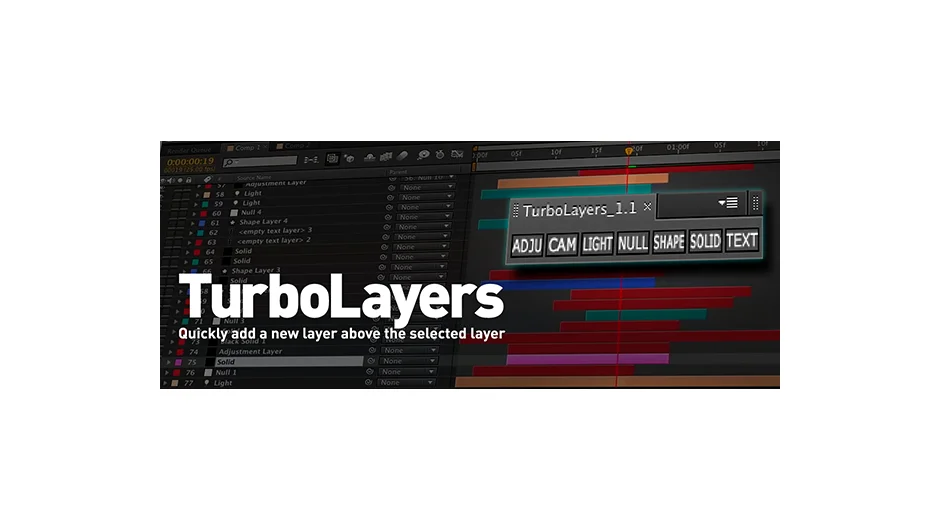
TurboLayers creates new layers (Adjustment, Camera, Light, Null, Shape, Solid, or Text) directly above the currently selected layer in your composition. After Effects normally places new layers at the top of the layer stack. When you’re working with dozens of layers and editing near the bottom, this means repeatedly scrolling to the top and dragging layers down manually.
The script also auto-trims new layers to match the selected layer’s duration and in/out points, saving another repetitive step.
Key Features
Layer placement. Creates seven layer types (Adjustment, Camera, Light, Null, Shape, Solid, Text) directly above your selection. If no layer is selected or the comp is empty, it creates the layer at the top as normal.
Auto-trimming. New layers inherit the duration and in/out points of the selected layer. Useful when building effect stacks that need to appear only during specific timeframes.
Toolbar integration. Each layer type has its own separate script file. If you use ft-Toolbar or similar launchers, you can add individual layer creation buttons without loading the entire panel.
Minimal interface. The panel adapts to horizontal or vertical layouts and takes minimal screen space.
Who It’s For
Motion designers and compositors working in complex timelines with frequent layer creation. Particularly helpful in character rigging workflows where you’re constantly adding nulls and adjustment layers in specific stacking orders.
Pricing
Pay what you want with a suggested minimum of $6.99. Individual users can choose their price. Businesses and teams must pay the suggested price for a valid license.
Compatibility
After Effects CS3 through CS6. Last updated January 2013.
