
What It Does
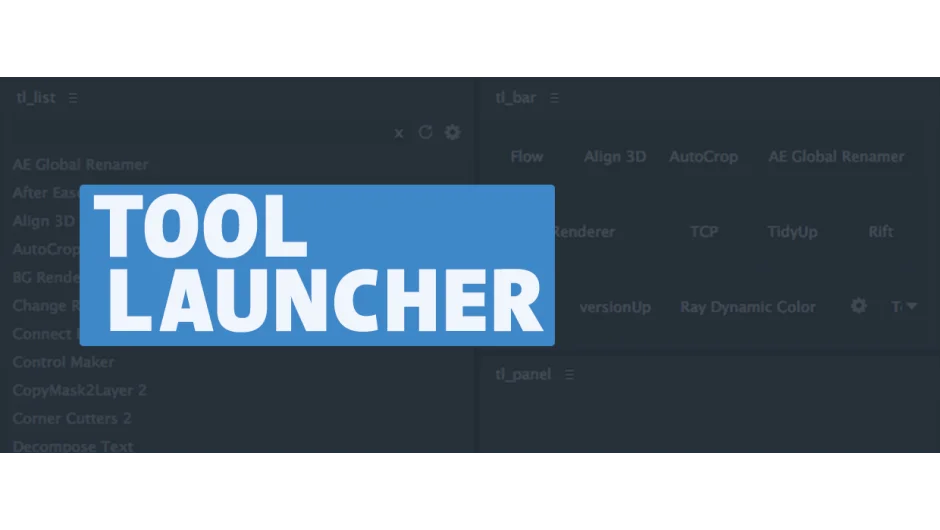
Tool Launcher organizes After Effects scripts, menu commands, and expressions into accessible panels that stay docked in your workspace. Instead of cluttered floating windows or overloaded menus, you get searchable lists and custom toolbars.
The plugin includes three panels: tl_panel displays script interfaces, tl_list provides a searchable directory of tools, and tl_bar creates customizable toolbars you can duplicate and arrange however you need.
Key Features
Pre-docked script interfaces. Scripts that normally open in floating windows can display inside tl_panel. Click a button in tl_list or tl_bar, and the script UI appears in an already-docked panel.
Multiple command types. Run JSX script files, write JavaScript directly in the tool, apply expressions to selected properties, trigger After Effects menu commands, execute terminal commands, add effects to layers, or apply animation presets.
Shareable configurations. Store your setup in a config file that includes tool assignments, icons, toolbar layouts, and keyboard shortcuts. Copy it between machines or share it with your team. You can also import ft-toolbar configs.
Keyboard support. Press Enter in tl_list to run a tool. Use arrow keys to add or remove tools from toolbars when configuring them.
Central settings panel. One window manages all customization: tool paths, toolbar buttons, modifier keys, and icon assignments.
Who It’s For
Useful for editors who work with many scripts but don’t need them all visible at once. If you’re tired of hunting through the Window menu or repositioning floating panels, this keeps tools ready without the clutter. Good for studios standardizing toolsets across multiple artists.
Pricing
$39.99 for a single-user license. A pay-what-you-want option exists for individual users (honor system; commercial use asks for the suggested amount, not available for teams or corporate buyers). Works with After Effects CC 2014 through 2021.