
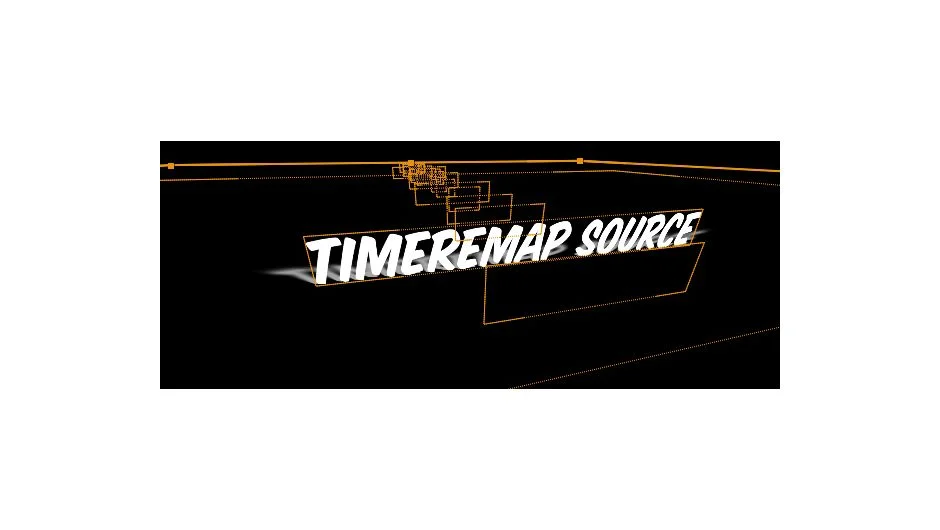
What It Does
TimeRemap Source sequences selected layers with a 1-frame offset, precomposes them, and adds an expression-based slider control. Instead of manually keyframing time remap or juggling visibility toggles, you scrub a single slider to display any layer from the precomp. The expression automatically adjusts to the number of layers inside, so you can add more footage later without breaking the setup.
Key Features
Automated time remap setup. Selects layers, offsets them by one frame, precomposes, enables time remap, and binds it to a slider in one action.
Dynamic layer switching. The slider displays any layer from the precomp at any point in time. The range updates automatically when you add more layers.
Non-destructive workflow. Your original composition stays untouched. All stacked layers live in a precomp, keeping the main timeline clean.
Who It’s For
Useful for animators working with large sets of similar assets (image sequences, style frames, alternate takes) where you need quick access without filling your timeline with dozens of layers. Works well for lookdev comparisons, client revisions, or animating through reference stills.
Pricing
Pay what you want, with a suggested minimum of $9.99. Individual users can set their own price. Businesses and teams must pay the suggested amount for a valid license. One-time purchase, works in After Effects CS4 through CC 2015 and later.