
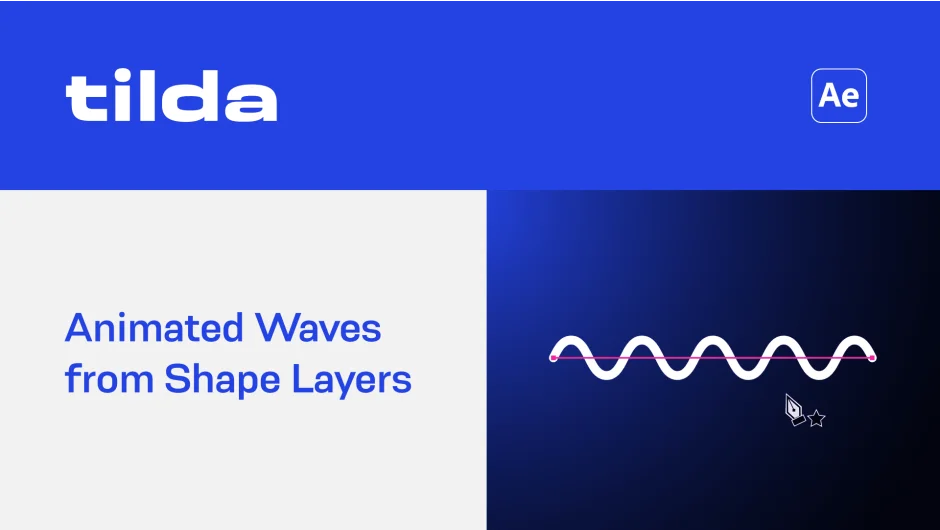
What It Does
Tilda converts any shape path into animated waves using a single expression and controller effect. Select a path, click the Waves button, and adjust parameters like width, height, and speed. The plugin supports both Bézier and parametric paths.
Key Features
One-click wave conversion. Select any shape path and apply the Waves effect with a single button press. The plugin adds a controller effect with adjustable parameters.
Extensive wave controls. Adjust wave length, height, speed (measured in px/sec), and roundness. All parameters are expression-driven, making them easy to animate or link to other properties.
Random variation. The Random tab lets you add randomness to wave length, height, and roundness for more organic, natural-looking motion.
Parametric path support. Version 1.3 added support for parametric paths, so you can use any path type without converting to Bézier first.
Non-destructive workflow. The expression references your original path, so you can still edit it. When you create waves on the same path, Tilda correctly references itself even if the path is duplicated.
Who It’s For
Useful for motion graphics work requiring wavy text, animated backgrounds, or flowing shape elements. The expression-based approach works well for anyone comfortable with After Effects’ native workflow. Since it’s just an expression and effect, the setup remains editable and doesn’t require rendering intermediate elements.
Pricing
Tilda uses a pay-what-you-want model with a suggested price of $14.99. Individual users can pay any amount they choose. Businesses and teams must pay the suggested price to receive a valid license. This model makes it accessible while supporting the developer.
Requires After Effects 2020 or later with the JavaScript expressions engine enabled.