
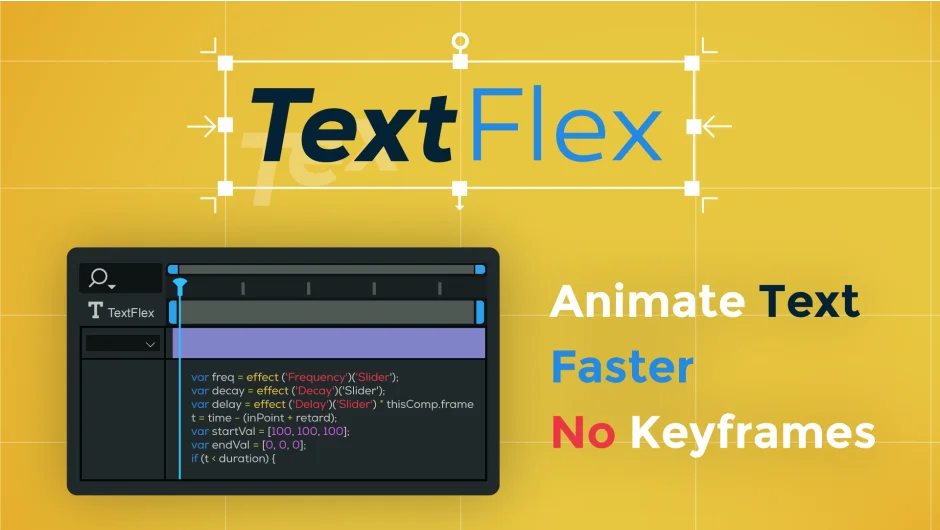
What It Does
TextFlex breaks down text layers into animated characters, words, or lines, giving you control over timing and style without setting manual keyframes. You choose how text animates in (and optionally out), save your settings as presets, and sync animations to markers.
Key Features
Ease and Overshoot styles. Choose between smooth ease-in/out animations or dynamic bounce effects. Ease works for subtle motion, while Overshoot adds energy to titles or callouts.
In/Out animation toggle. By default, text animates in at the layer start. Enable the Out option and it automatically animates out at the layer end. A third mode lets you apply only the Out animation if your text is already on screen.
Direction controls. Animate text from right to left, center outward, or any other direction without rearranging layers. Useful when syncing multiple text blocks.
Marker support. Add markers to the text layer and TextFlex uses them as timing anchors. This makes voiceover sync straightforward: place a marker where the speaker says a word, and that word animates on cue.
Preset system. Save your animation settings, name the preset, and load it onto other layers from a dropdown. The refresh button updates the list if you add presets externally or open a project where presets don’t load immediately.
Multi-layer editing. Apply or adjust animations across multiple text layers at once. For projects with many title cards, this saves time over working layer by layer.
3D toggle. Enable per-character 3D directly from the panel, no need to dig into layer properties.
Text Blur property. Added in version 1.2, this lets you animate blur alongside position and scale.
Who It’s For
TextFlex is for anyone animating text in After Effects regularly: title sequences, lower thirds, kinetic typography, lyric videos. It’s especially helpful for editors who need consistent text timing across many clips or want to sync animations to voiceover without manually placing keyframes.
Pricing
TextFlex uses a pay-what-you-want model. The suggested price is $23.99, but individuals can choose their own amount. Businesses and teams are asked to pay the suggested price. No subscription, one-time license. A trial version is available to test before purchase.