
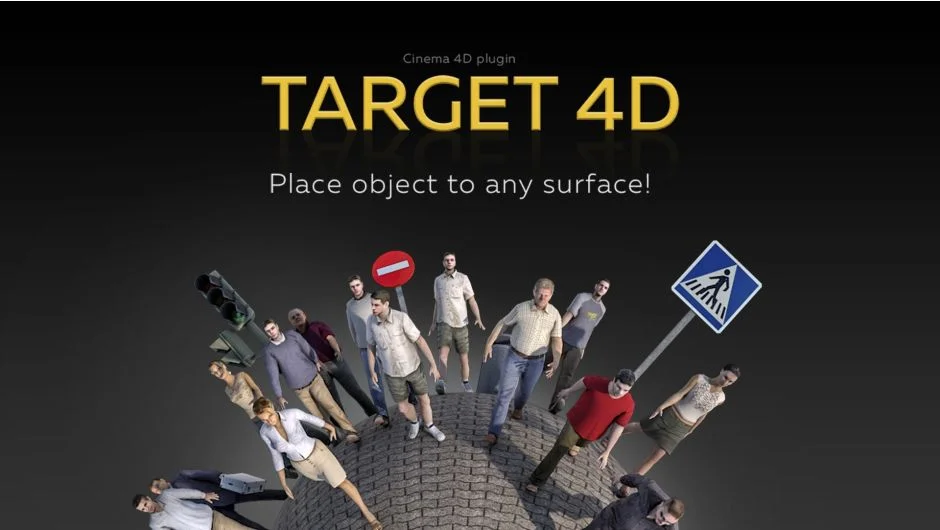
What It Does
Target 4D moves or copies selected objects onto the geometry surface of other scene objects in Cinema 4D. Click on a surface and the plugin places your object in the right position with correct orientation. Built for architectural work, it eliminates the manual adjustment of aligning objects across different views and projections.
Key Features
Surface placement modes. Place single objects or create multiple copies using random distribution, linear arrangement, or grid patterns. The brush mode lets you paint objects across surfaces interactively.
Bounding box detection. The plugin analyzes geometry dimensions to position objects accurately, accounting for their actual size rather than just pivot points.
Snapping options. Choose to snap to polygon centers, faces, or vertices. This gives you control over precise placement on complex geometry.
Auto orientation. The plugin detects surface normal angles and camera position to automatically choose the correct axis orientation. Particularly useful when placing objects on mixed vertical and horizontal surfaces like floors, walls, and ceilings, where you can set specific orientations (+Y, -Y, -Z) for each surface type.
Interactive controls. Hotkeys switch between active objects without leaving the tool. Adjust brush size and grid shape on the fly using the interactive interface. Press Escape to access quick options for changing placement modes.
Include/exclude surfaces. Target specific surfaces in your scene or exclude certain geometry from detection (Cinema 4D R18 and later).
Layer management. Apply layers to copies based on the source object’s layer settings.
Who It’s For
Architectural visualizers placing furniture, fixtures, or vegetation across interior and exterior scenes. Also useful for any Cinema 4D work that involves distributing objects across surfaces, from prop placement to particle-like arrangements on custom geometry.
Pricing
$29.99 for a single user license.