
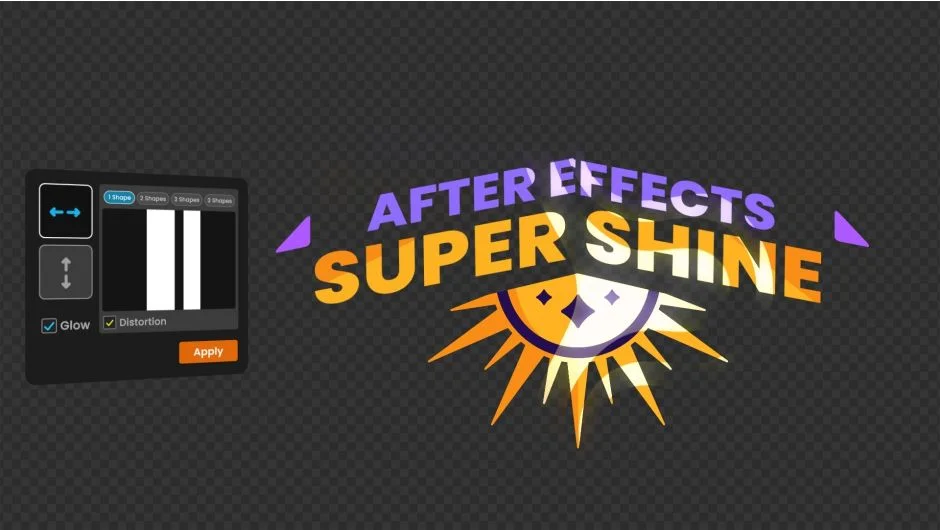
What It Does
Super Shine generates animated light sweep effects that move across layers. You control the timing with markers and adjust the start and end points of the sweep, making it easy to add moving highlights, light reflections, or shine accents to text, logos, and graphics.
Key Features
Marker-based timing. Place markers on your timeline to set when the shine starts and ends. No need to manually keyframe the sweep duration.
Start and end point control. Define where the light sweep begins and where it finishes on your layer.
Multiple shines per layer. Apply more than one shine effect to a single layer, useful for complex lighting setups or sequential sweeps.
Effect Mode. Stack additional effects like glow on top of the shine in Effect Mode, letting you layer optical effects without pre-composing.
Mirror mode. Flip the sweep direction, creating symmetrical light movements or bidirectional sweeps.
Who It’s For
Motion designers building title sequences, product reveals, or logo animations. Anyone who needs a quick way to add moving light highlights without manually animating masks or mattes. Works well for polished motion graphics where light accents add depth and visual interest.
Pricing
Super Shine costs $19 for a single-user license. Compatible with After Effects 2023, 2024, and 2025. A trial version is available.