
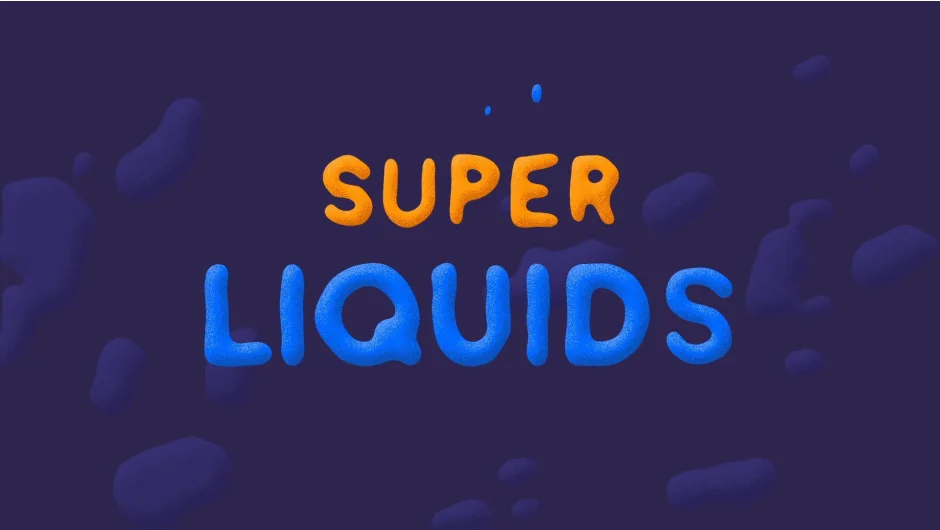
What It Does
Super Liquids generates frame-by-frame liquid trail animations for objects in your composition. Draw the liquid elements you want, apply them to static or moving objects, and the script handles the animation. Everything builds using native shape layers and modifiers, so you can customize the output without external dependencies.
Works with both horizontal and vertical movement, making it useful for transitions, motion graphics, or stylized title sequences.
Key Features
Custom liquid elements. Draw your own shapes to define how the liquid trails look, then apply them to any object.
Static and moving object support. Works on layers that stay in place or animate across the frame, tracking movement in either direction.
Shape layer construction. Builds everything with standard After Effects shape layers and modifiers, which means you can edit the output directly without re-running the script.
Color controls. Set a specific color for the liquid or use random color generation for variety (added in version 1.2).
Single-layer workflow. Select one layer and generate liquids just for that object (added in version 1.1).
Who It’s For
Motion designers working on projects that need stylized, cel-animated liquid effects. If you’re creating cartoonish transitions, music videos, or kinetic typography with trailing liquid elements, this automates the repetitive keyframing.
Requires After Effects CS6 or later. Compatible through 2026.
Pricing
Super Liquids costs $40 for a single-user license. Enterprise floating server licenses are available separately through resellers.
