
What It Does
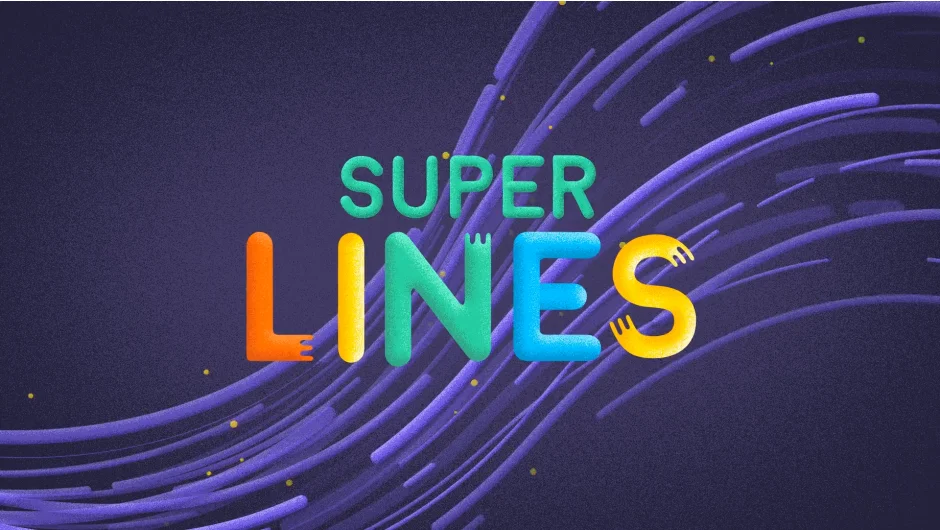
Super Lines generates animated line effects in After Effects. Built entirely with shape layers, it creates speed lines, transition effects, and decorative animation elements. The plugin offers two distinct visual styles and works with After Effects’ native shape layer modifiers.
Key Features
Two visual styles. Choose between cartoon-style lines (clean, bold strokes) and abstract lines (more organic, varied forms). Each style produces different looks suited to different motion design contexts.
Shape layer foundation. Everything Super Lines creates uses native After Effects shape layers. This means you can apply any shape modifier, adjust stroke properties, change colors, and integrate the lines with your existing shape layer workflows. No proprietary rendering, no black boxes.
Multiple line types. Generate regular lines, inverted versions, or both simultaneously. The plugin offers variations within each style, so you’re not locked into a single look.
Practical applications. Use the generated lines for scene transitions, kinetic typography accents, speed effects on moving objects, or as decorative elements in motion graphics. The cartoon style works well for energetic, playful animations. The abstract style fits more experimental or technical pieces.
Who It’s For
Motion designers who need quick, customizable line animations without building them from scratch. If you’ve ever spent time keyframing a dozen shape layers to create a transition effect, Super Lines condenses that work into a few clicks. It’s especially useful for projects with tight deadlines where you need consistent line animations across multiple scenes.
Pricing
$35 for a single-user license (one active installation plus one backup copy). Upgrade pricing available for users who previously purchased the plugin at a higher price point. Compatible with After Effects CS6 through 2026.
