
What It Does
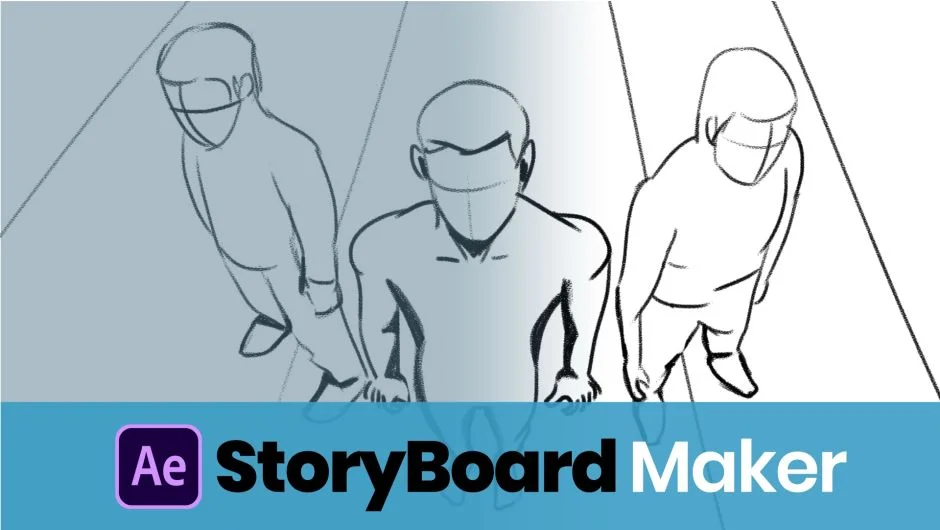
Storyboard Maker turns After Effects into a storyboarding workspace. Draw sketches, annotate shot details, and arrange scenes before you shoot or animate. When ready, export boards to PDF for client review or apply them directly to your timeline with all metadata intact. The extension eliminates switching between storyboarding apps and editing software.
Key Features
Drawing tools. Sketch storyboard frames using a brush palette with color selection, shapes, and photo filters. The built-in drawing panel marks the first native drawing capability in After Effects, letting you rough out ideas without leaving the interface.
Shot metadata. Track shot type, size, lens, frame rate, camera movement, sound notes, and duration for each scene. All details stay with the board when you export or apply to your comp.
Photo import and editing. Bring in reference images and edit them with filters, masking, cropping, and scale adjustments. Useful when mixing photo references with hand-drawn frames.
Export and import. Share boards as PDFs or save them in a format that re-imports into the extension. Handy for revisions or passing boards between team members.
Apply to timeline. Generate After Effects comps from your boards with one click. Each scene becomes a layer with its specified duration and details, ready for final footage placement.
Who It’s For
Ideal for directors and motion designers who storyboard their own work, video agencies planning client shoots, and students learning pre-production workflows. The extension suits anyone who wants to keep planning and editing in the same application.
Pricing
Storyboard Maker uses a pay-what-you-want model. Set your own price when purchasing, though the developer suggests $29 as a reference point. No subscription, no tiers, just a one-time payment at the amount you choose.