
What It Does
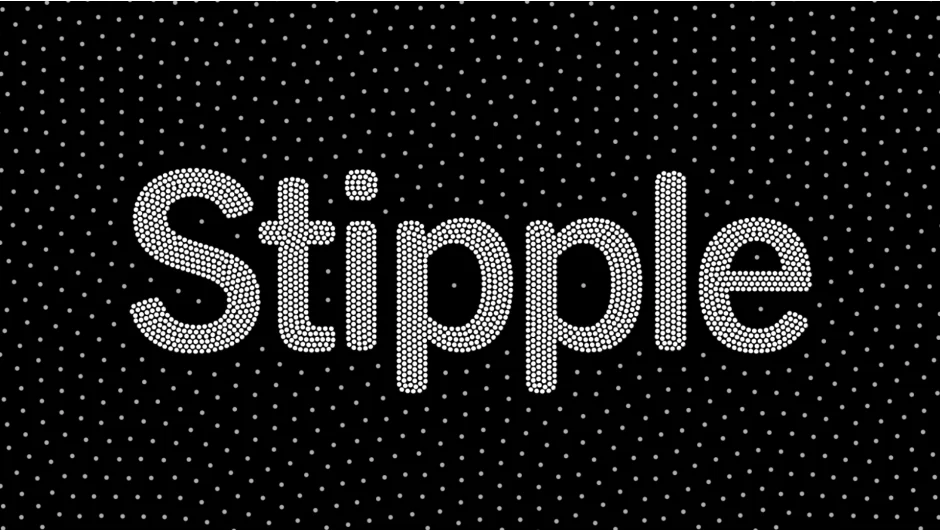
Stipple generates images and video using small dots instead of continuous tones, a technique called image stippling. Unlike standard dithering, which creates random noisy patterns, Stipple produces aesthetically clean shading with controlled dot placement. The physics simulation ensures dots move predictably between frames, maintaining temporal coherence when applied to video footage.
Key Features
Footage-driven motion. Points move based on your input footage, responding to image content and maintaining consistency across frames. The physics simulation handles dot interaction and placement automatically.
Custom sprites. Replace standard dots with custom shapes or graphics. The plugin includes controls to stretch dots based on movement, creating dynamic trails and motion-based effects.
Color and size mapping. Map dot size and color to velocity. External layers can be used as color sources, giving you precise control over the final appearance.
GPU acceleration. The simulation and rendering run on the GPU, supporting a wide range of graphics cards. The plugin is built for After Effects’ multi-threaded architecture and Multi-Frame Rendering (MFR), with native Apple Silicon support.
Who It’s For
Useful for motion graphics artists creating stylized effects, music videos, title sequences, or experimental visuals. The temporal coherence makes it practical for video work where standard dithering would flicker or fail. Works best when you need controlled, artistic halftone effects rather than photorealistic rendering.
Pricing
Single-user license is $99.99. Render-only licenses and floating server licenses are available for studio environments. A free trial is available on the aescripts website.