
What It Does
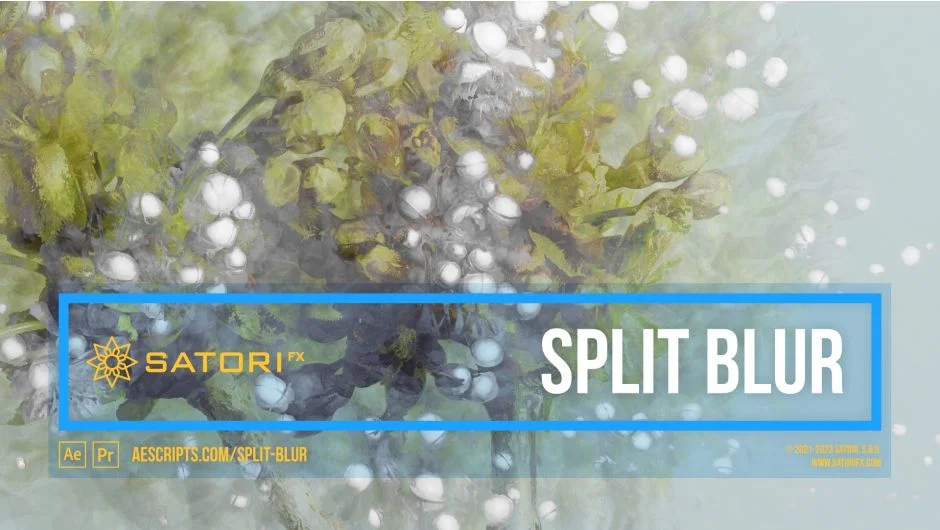
Split Blur creates a luminosity-based blur effect that starts like standard gaussian blur at low intensities but evolves into kaleidoscopic image splitting at higher levels. The plugin analyzes pixel brightness and splits the image into multiple blended copies, with split distances calculated from each pixel’s luminosity. Version 1.5 adds a twirl feature that applies adaptive rotation based on brightness values.
Key Features
Luminosity-driven splitting. The effect calculates split distance and direction based on pixel brightness. You can use the source layer’s own luminosity or feed in a separate intensity layer, like a depth map from a 3D render or a blurred version of your footage.
Split configuration. Control how many image copies are created (split count), their rotation angle, and grouping behavior. The grouping parameter lets you converge evenly spaced splits into fewer directional groups for more concentrated effects.
Curve mapping. A flexible curve system determines how luminosity translates to blur distance. Choose from sine, triangle, linear ramps, or exponential curves. The curve phase parameter shifts this mapping, useful for creating loopable animations when using wave-based curves. Curve smoothness helps eliminate discontinuities at loop points.
Twirl rotation. The Twirl Angle parameter adds variable rotation to splits based on luminosity. Like the main effect, you can drive twirl intensity from a separate layer and control the rotation mapping with its own curve, phase, and floor parameters.
Channel filtering. Apply the effect to all channels equally using overall luminance (Luma mode), or process RGB channels separately for chromatic aberration-like color separation. Individual Red, Green, Blue, and Alpha channel modes are also available. When filtering RGB separately, the Curve Phase Split parameter adds extra phase shifting to red and blue channels for color effects.
Edge handling. Choose how the plugin fills missing edge pixels: wrap around the image, mirror edge pixels, repeat the last pixel, or leave transparent.
The blur level maxes at 512 via the slider but accepts values up to 2048 when typing directly into the field. Several parameters include visual graphs (After Effects CC 2015 and later) that update in real-time as you adjust settings.
Who It’s For
Motion designers looking for organic blur alternatives to standard gaussian or directional blurs. The painterly quality works well for dreamy transitions or abstract backgrounds. VFX artists can use depth maps as intensity sources to create focal blur effects that respect 3D scene depth. The twirl feature and RGB channel splitting open up glitch and chromatic distortion workflows. The curve phase controls make it practical for creating seamless loop animations.
Useful for title sequences, music videos, or anywhere you need blur that feels less mechanical than built-in effects.
Pricing
$33.99 for a single user license. Trial version available. Also offered as floating server licenses and render-only licenses. Works in both After Effects (CS6 through 2025) and Premiere Pro (CS6 through 2025). Supports multi-frame rendering in After Effects.