
What It Does
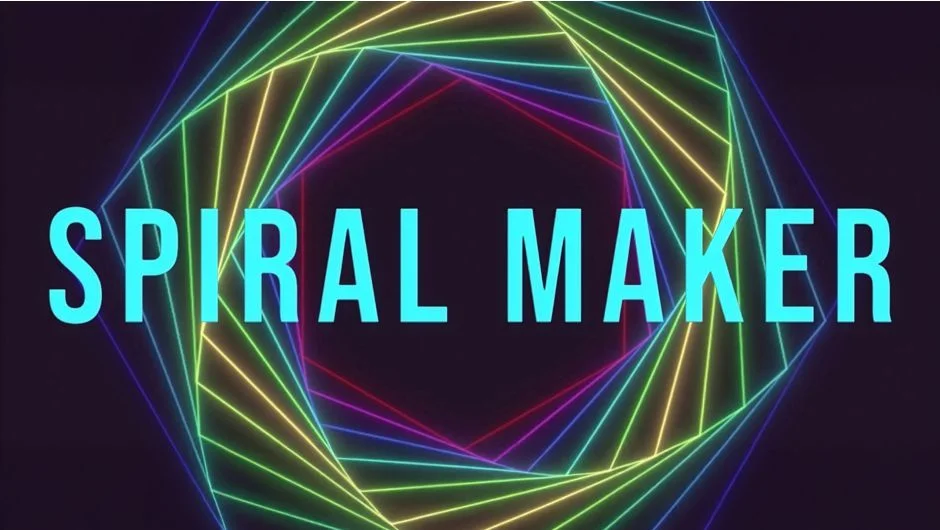
Spiral Maker converts mask paths into spiral patterns. Draw a mask, click a button, and the plugin generates a spiral based on that path. You can add strokes and fills, open or close paths, reverse their direction, and bake the results into static shapes or keep them parametric for later editing.
The tool is inspired by Freya Holmer’s LERP concept and works well for geometric motion graphics, abstract backgrounds, and procedural textures.
Key Features
One-click spiral generation. Select a mask layer and the plugin builds the spiral automatically, no manual keyframing or expression writing required.
Stroke and fill controls. Apply colors and styling directly through the panel instead of hunting through layer properties.
Bake and unbake patterns. Lock the spiral into a static shape for rendering or keep it parametric to adjust later. Unbaking restores the editable version.
Path manipulation. Open or close multiple mask paths at once, or reverse their direction to flip the spiral flow.
Who It’s For
Motion designers building geometric animations, title sequences, or abstract loops. Useful if you work with masks regularly and want to skip repetitive manual adjustments. The bake/unbake feature helps when you need to finalize a design but keep the original setup intact.
Pricing
Spiral Maker uses a pay-what-you-want model. The suggested price is $29.99, but you set the amount. A fully functional trial expires after 7 days.
