
What It Does
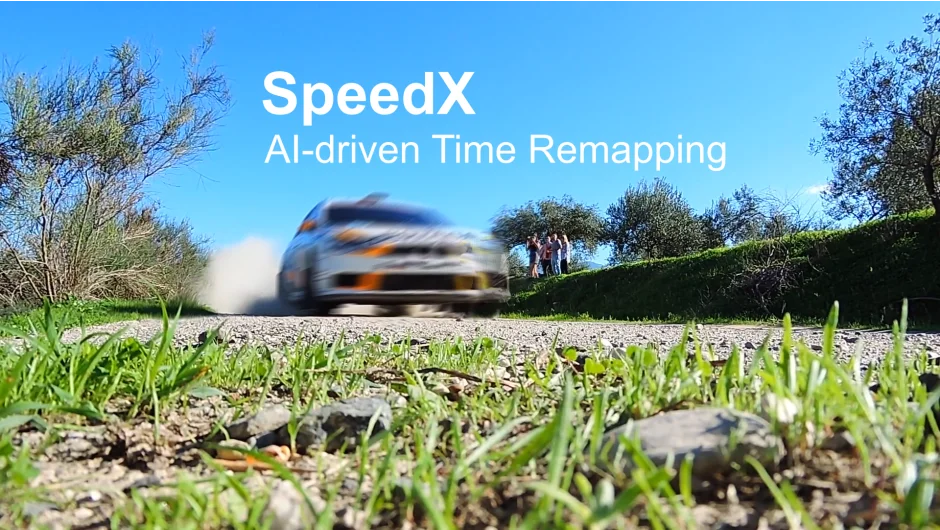
SpeedX uses AI-based optical flow to create smooth slow motion, speed up footage, or convert between frame rates. Unlike After Effects’ built-in Frame Blending or the legacy Pixel Motion effect, SpeedX analyzes pixel-level motion and occlusion to generate intermediate frames that look realistic, even with large motion or complex boundaries.
Key Features
Two retiming modes. Speed Ratio lets you slow down or speed up by a multiplier (4x slower, 2x faster). Frame Number mode converts between specific frame rates, like 24fps to 120fps.
Four interpolation modes. Smooth and Sharp both use AI technology. Smooth prioritizes fluidity, Sharp favors detail. Nearest and Blend are traditional methods for comparison or specific edge cases.
Occlusion-aware optical flow. The plugin calculates accurate motion vectors for each pixel and detects where objects appear or disappear behind others. This helps it avoid the smearing or artifacts common in older time-remapping tools.
GPU acceleration. Rendering happens on your graphics card, which makes processing faster than CPU-based alternatives. Performance varies by GPU, so a trial version is available.
Who It’s For
Useful for editors working with action footage, sports, or anything shot at standard frame rates that needs to be slowed down for emphasis. Also practical for frame rate conversion when delivering to different platforms (24fps to 60fps for web, for example).
Works in both After Effects and Premiere Pro, though the retiming happens at the clip level, not globally.
Pricing
$99.99 for a single-user license. Floating server and render-only licenses are also available. A free trial lets you test GPU performance before purchasing.