
What It Does
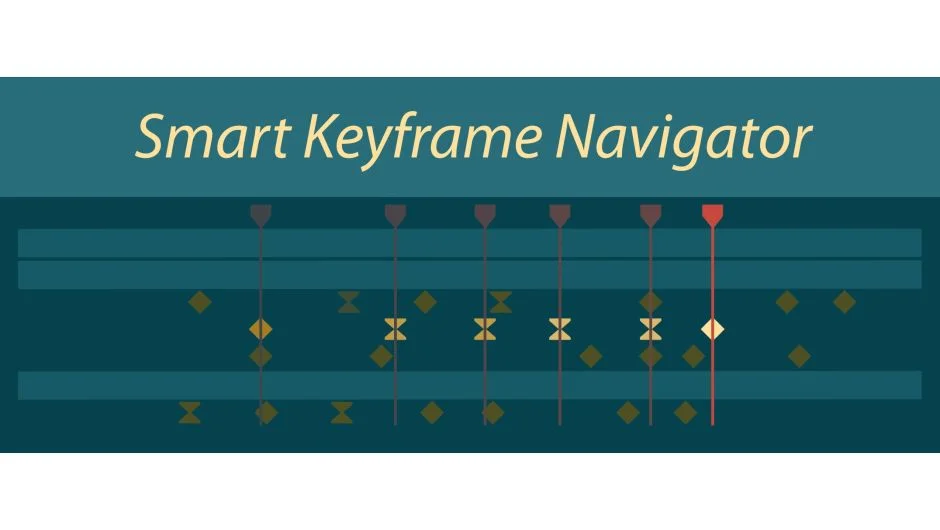
Smart Keyframe Navigator adds context-aware keyboard navigation for keyframes. Instead of After Effects’ default J and K keys, which jump through every keyframe in the timeline, this script lets you navigate only the keyframes that matter. Bind the two included script files to keyboard shortcuts (Shift+J and Shift+K work well), and your navigation behavior changes based on what you’ve selected.
No selection? It works like the default shortcuts, considering all keyframes. Select one or more layers, and it limits navigation to those layers only. Select specific properties, even across multiple layers, and it treats those as the only visible keyframes. This approach cuts through crowded timelines where dozens of keyframes make default navigation useless.
Key Features
The script comes as two files, prefixed with “01_” to ensure they appear high enough in the script list for keyboard shortcut assignment. Each file handles one direction: next keyframe and previous keyframe.
It recognizes keyframes at non-frame time values, a detail that matters when working with scripts that place keyframes between frames. Earlier versions ignored these, causing unexpected jumps.
When navigating single-property selections, the script no longer changes keyframe selection to the current frame. This keeps the behavior closer to After Effects’ defaults while still filtering by selection.
Who It’s For
Useful if you regularly work with dense timelines where multiple animated layers stack keyframes at similar times. Also helpful for animators who frequently drill down to specific properties (like Position or Scale) and want to step through just those keyframes without distraction from other animated properties on the same layer.
Pricing
Pay what you want, with a suggested minimum of $9.99. The developer notes that businesses and teams should pay the suggested price for a valid license, while individual users can choose their amount.