
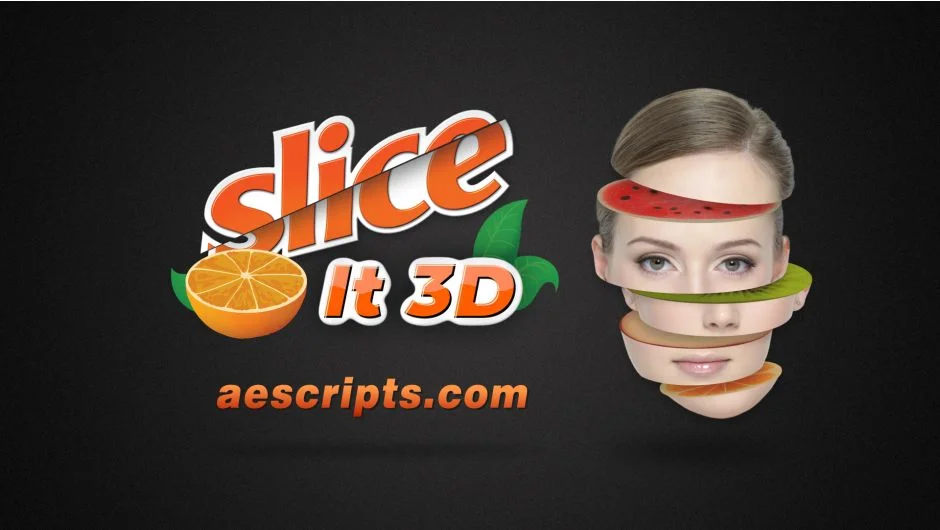
What It Does
Slice It 3D converts flat layers into dimensional slices using simple 2D masks. Draw a rectangle mask and linear masks on your precomposed layer, and the plugin generates slices with thickness and depth that behave like 3D objects. The cross-sections can have textures applied to them, and you can animate the thickness of slices over time.
Key Features
Six slicing modes. Choose from Shell, Linear, Twist, Cube, Hollow, and Hollow with Cube styles. Each creates a different look when slicing your layer. More styles are planned for free updates.
Texture support. By default, the plugin creates a shared texture precomp for all slices. You can also generate unique texture precomps for individual slices. Import your own footage and the plugin maps it onto the cross-section surfaces realistically.
Keyframable thickness. Set thickness globally for all slices, customize it per slice, or use automatic synchronization to distribute thickness based on mask positions. Once sliced, you can keyframe thickness values to animate slices separating or compressing in 3D space.
Straightforward workflow. Precomp your layer, draw masks, choose a slicing mode. The interface keeps the same controls across all modes, and you can adjust color, shadow, transform, and light properties through the panel.
Who It’s For
Useful for motion graphics that need dimensional reveals or transitions. Works well for slicing product shots, portraits, text treatments, or abstract shapes where you want to expose internal geometry. Pairs with After Effects’ native 3D camera and lights.
Pricing
Slice It 3D costs $29 for a single user license. A free trial is available to test the plugin before purchase.