
What It Does
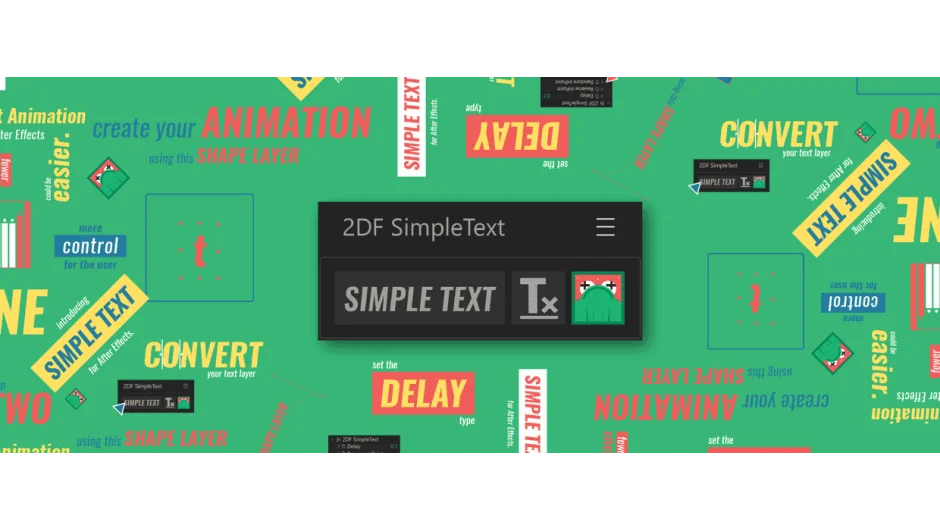
Simple Text turns text animation into a shape layer workflow. Instead of navigating text animator properties, you animate a shape layer that controls how letters, words, or lines move. The script handles the conversion automatically.
Select a text layer, apply the script, and it generates a controller structure. Animate the shape layer’s position, anchor point, rotation, scale, or opacity, and those changes apply to your text with timing delays you specify.
Key Features
Shape layer control. The script creates a shape layer that drives your text animation. Animate it like any other shape, and the text follows.
Delay types. Choose regular, reverse, or random delay between text elements. Apply delays per letter, word, or line.
Reusable animations. Save an animation setup and apply it to other text layers without rebuilding from scratch.
Motion path editing. Use Bézier curves to edit motion paths and the Graph Editor to refine timing.
Standard transform properties. Animate position, anchor point, rotation, scale, and transparency through the shape layer controller.
Who It’s For
Motion designers who build kinetic typography or title sequences. If you animate text regularly and want a faster method than text animators, this script reduces setup time. Useful for projects with multiple text layers that need consistent animation styles.
Pricing
$30 one-time purchase. A free trial is available from the aescripts download page.