
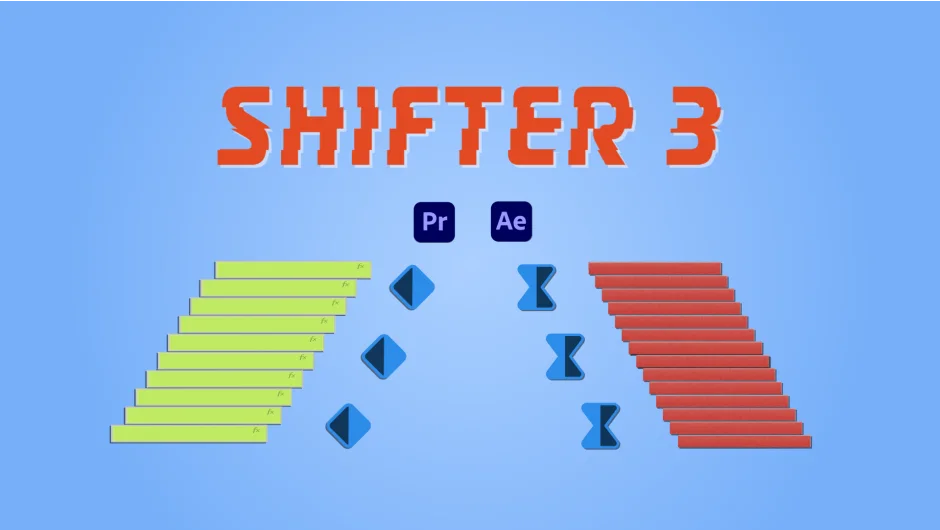
What It Does
Shifter arranges clips in Premiere Pro or layers and keyframes in After Effects into staircase patterns. Pick ascending, descending, or random orientations. The plugin uses in/out points or fixed intervals to set duration, and a visual graph lets you customize easing behavior. A live preview shows changes as you adjust settings.
Key Features
Easing graph. Control timing curves through an interactive graph interface instead of typing expression values.
In/out point timing. Use existing in/out points to define stagger duration, or set a fixed interval for each item.
Offset controls. Version 3 adds the ability to offset in/out points, giving you finer control over staircase timing.
Preset system. Save unlimited presets and share them across projects. Version 3 supports preset import/export.
Live preview. See your staircase arrangement update in real time as you adjust parameters.
Reordering. Drag items around in the plugin interface to reorganize the stack order before applying the staircase.
Who It’s For
Editors working with multi-layer title sequences, motion designers animating text reveals, or anyone staircasing clips in Premiere Pro. Particularly useful for kinetic typography projects or batch-animating properties across many layers.
Pricing
$34.99 for a perpetual license (one active installation plus one archival copy). Upgrade pricing: $16.99 from Shifter 2, $19.99 from Shifter Pro (applied automatically at checkout when logged in).