
What It Does
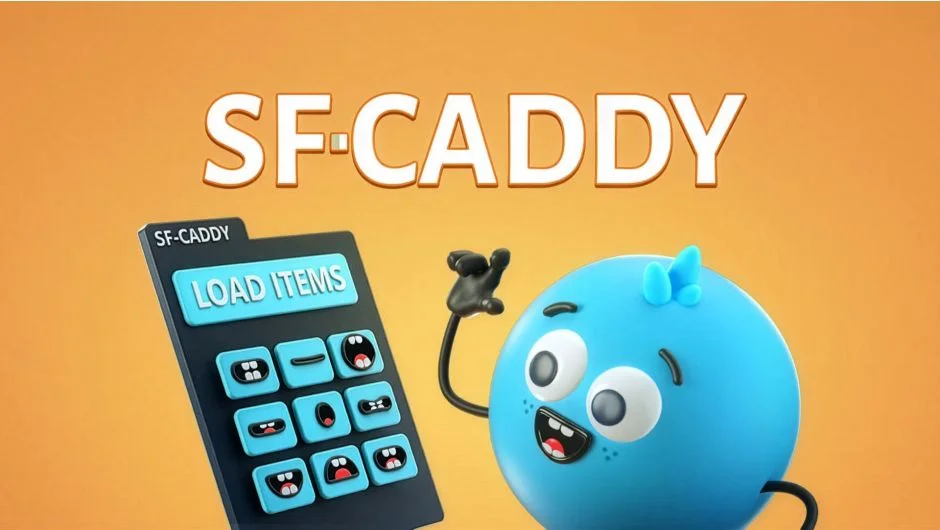
SF Caddy swaps layers and precompositions with a single click. Load a set of replacement assets (mouth shapes, hand positions, glasses styles) and switch between them instantly. Clicking an item in the panel replaces the selected layer and adds a keyframe. Built by Script-Fighter, it’s designed for character animation where you need to swap assets repeatedly, especially during lip-sync.
Key Features
One-click replacement. Select a layer, load your replacement items into the panel, then click to swap. SF Caddy handles the keyframing automatically.
Marker-based lip-sync. Place markers on your audio layer, then use the panel to assign mouth shapes frame by frame. The marker mode speeds up the process considerably.
Edit mode. Animate properties inside replacement precomps without leaving the main comp. Useful when you need to adjust a mouth shape’s position or a hand’s rotation after placing it.
Customizable interface. Scale button size, resize the panel, change button colors, and rename buttons to match your naming convention. The panel adapts to your workspace and asset naming style.
Reverse animation option. If you need to flip the direction of a replacement sequence, SF Caddy can reverse it without manually reordering keyframes.
Who It’s For
Character animators who need to swap mouth shapes, facial expressions, hand positions, or any other interchangeable assets. Also useful for motion designers who version elements like titles, icons, or graphic styles and need to switch between them quickly during client review.
Pricing
$27 for a single user license. A trial version is available to test the workflow before purchasing.