
What It Does
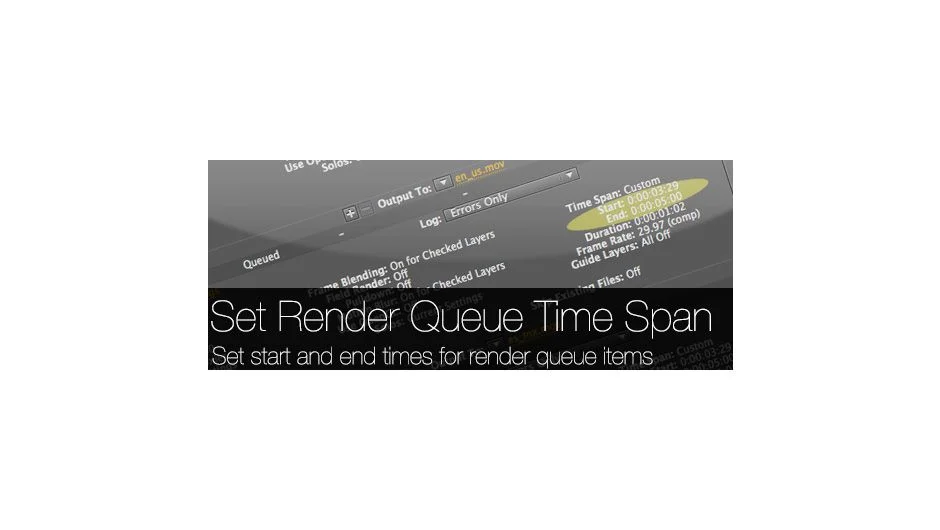
Set Render Queue Time Span adjusts the start and end times of render queue items in bulk. Instead of manually changing time spans one item at a time, this script applies changes across multiple queue items based on work areas, full composition lengths, or custom values you specify.
Key Features
Work Area mode. Sets each render queue item to its individual work area. Useful when you’ve marked specific portions of compositions for rendering.
Entire Composition mode. Sets each item to render its full composition length. Helpful when you need complete renders of multiple comps.
Custom mode. Enter specific start and end frames or timecode values. The script respects your project’s Time Display Style setting (frames, timecode, or feet+frames), so input fields match your preferred format. If you’re working with mixed frame rates and using timecode, the script converts values automatically. For example, entering 02:45 for a 30fps item converts to 03:15 since 02:45 isn’t valid timecode at 30fps.
Selective processing. Apply changes to all renderable items in the queue, or only those with the Render checkbox selected. The script skips items that are stopped or failed.
Runs as either a dockable panel or standalone script, depending on your preference.
Who It’s For
If you regularly render multiple compositions with different time spans, or frequently adjust render queue settings for client revisions, this script removes the repetitive clicking. It’s particularly useful for batch rendering portions of longer projects or when output requirements change late in production.
Pricing
Pay-what-you-want pricing with a suggested minimum of $9.99. Individual users can choose their amount. Teams and businesses must pay the suggested price for a valid license.