
What It Does
Ripple Edit recreates Premiere Pro’s ripple editing behavior inside After Effects. Instead of manually repositioning layers after trimming or deleting, the plugin automatically shifts timeline content to close gaps. Trim a layer’s in-point by one frame, and everything to the right moves left. Delete a layer, and the gap disappears. This mimics the editing flow that editors expect from NLE software, but directly in your After Effects timeline.
Note: This plugin is discontinued and no longer available for purchase.
Key Features
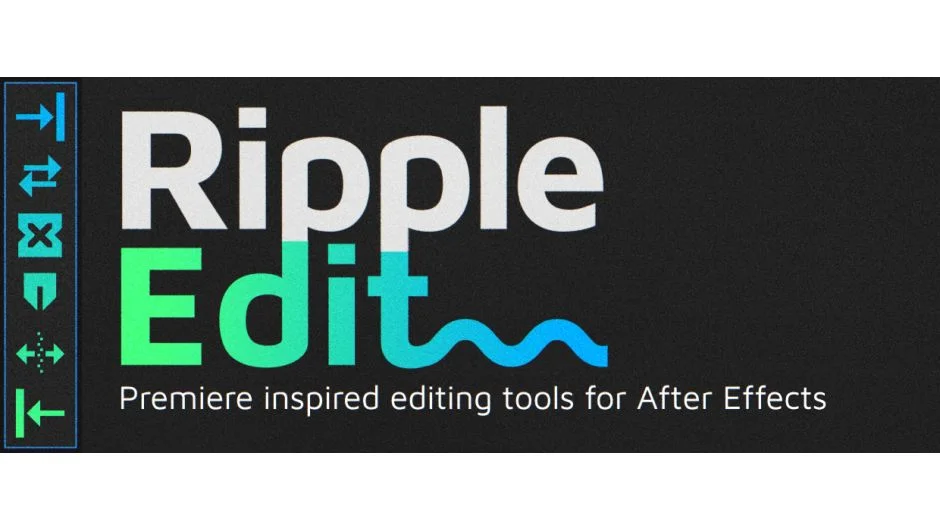
In Point trims the in-point of selected layers by one frame and shifts all rightward content left. Hold Shift to trim by 10 frames, or Alt to push the in-point outward instead.
Out Point works identically, but on the out-point. Pull it left by one frame (or 10 with Shift), shifting layers automatically. Alt pushes the out-point outward.
Delete removes selected layers and closes the gap by shifting all rightward layers left, like Premiere’s ripple delete.
Close Gap merges two or more layers by removing the space between them. With a single layer selected and Alt held, it shifts all rightward layers left until the gap disappears.
Active Time sets the in-point of selected layers to the current playhead position and ripples the timeline accordingly. Alt sets the out-point instead.
To Comp sets layer in/out points to match the composition edges or the layer’s own limits. Alt adjusts the comp duration to fit the selected layers.
The plugin ignores locked and shy layers. All actions provide feedback in the info panel.
Who It’s For
Useful for editors who want NLE-style timeline behavior when assembling animatics, storyboards, or rough cuts in After Effects. If you frequently trim layers and manually drag everything to close gaps, this automates that step.
Pricing
No longer available. The plugin was previously paid but has been discontinued by Plugin Everything.