
What It Does
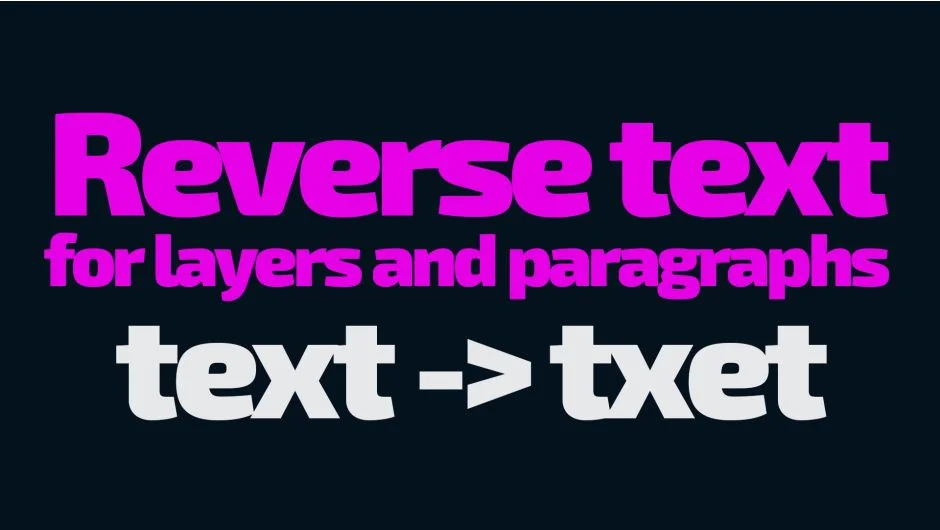
Reverse Text flips the character order in After Effects text layers, solving text direction problems for right-to-left languages like Arabic and Hebrew. Older After Effects versions don’t include native bi-directional text support, so text pasted from these languages appears backwards. This script reverses it with one click.
The script handles more than simple character reversal. It preserves numbers, special characters, and left-to-right text embedded within RTL content, maintaining correct reading order for mixed-language text. It also fixes animation direction, so animated text moves naturally for RTL languages.
Key Features
Multi-layer processing. Apply the reversal to multiple text layers or paragraph text blocks at once, rather than fixing them one by one.
RTL animation support. For After Effects versions 22.1.1 through 22.1.5, the script detects animation direction issues and applies a specific fix that preserves keyframe timing while reversing motion direction.
Keyframe compatibility. Works with animated text layers without breaking existing keyframes or 3D position data.
Settings management. Save and load configurations across machines or After Effects versions. Useful when standardizing workflows across a team.
Customizable hotkeys. Assign keyboard shortcuts for quick access, including Mac command key support. Default shortcuts include “R” for RTL reversal and “I” for the helper UI.
Vertical UI mode. The interface adapts to narrow screen layouts, switching between horizontal and vertical arrangements based on available space.
Who It’s For
Editors working with Arabic, Hebrew, or other RTL language content in After Effects versions that lack native bi-directional text support. Particularly useful for international projects requiring multilingual text layers or older AE versions still in production pipelines.
Pricing
Pay-what-you-want pricing, meaning you set your own price. The free trial version processes up to 5 text layers at once.