
What It Does
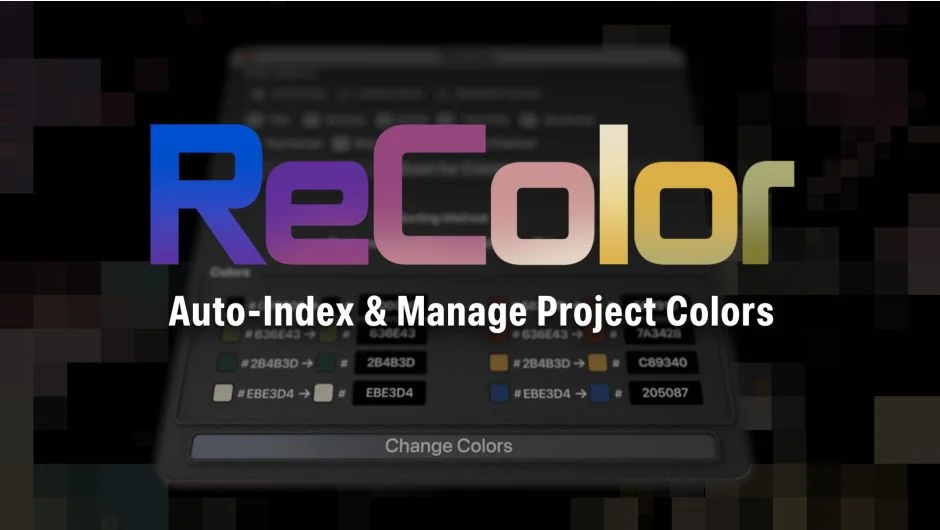
ReColor scans your After Effects project and reveals every color in use, from shape fills to text to solid layers. It displays them in a sortable palette where you can update any color using hex values or the native AE color picker. Changes apply across all selected comps, layers, and keyframes based on your targeting settings.
The plugin doesn’t add scripts or effects to your project structure. It reads existing colors, lets you define replacements, and updates them in place.
Key Features
Scan Options control where the script searches. Choose between all comps in the project, just the active comp and its precomps, or only selected comps from the project panel.
Target Controls let you specify which elements to include. Target fills (shape fills, plugin effects, layer style overlays), solids, gradients (currently plugin effects only), strokes (shapes, effects, layer styles), or text and text strokes. Additional options let you include or exclude keyframes, skip obscured elements (like fills hidden behind effects), or ignore disabled layers.
Color Sorting arranges results by luminance, saturation, or hue. This helps you visually group similar colors and quickly identify what needs changing.
Direct Editing displays each found color alongside an editable replacement field. Enter a hex value or click the color preview to use AE’s native picker. When you’re ready, click “Change Colors” and the script updates everything matching your scope and target settings. Refresh the palette to make additional changes.
Who It’s For
Useful for motion designers working with brand guidelines who need to keep colors consistent across multiple comps. Also helpful for QC, catching color discrepancies before delivery, or reskinning projects for light/dark modes. Pairs well with True Comp Duplicator to create color variations of the same composition.
Pricing
Single User License: $27.00. One-time purchase. Trial version available.

