
What It Does
Ray Dynamic Texture stores textures along with their complete layer settings (effects, keyframes, expressions, styles) in a custom library palette. You build the palette from your timeline elements, then apply those saved textures to any selected layers with a single click. The tool supports both Alpha and Luma mattes, works with existing projects, and leaves projects fully functional even if the recipient doesn’t have Ray installed.
This isn’t just for images. You can save effects, shapes, and expressions to your palette and apply them the same way. The tool eliminates repetitive setup when you need the same texture or effect treatment across multiple layers or projects.
Key Features
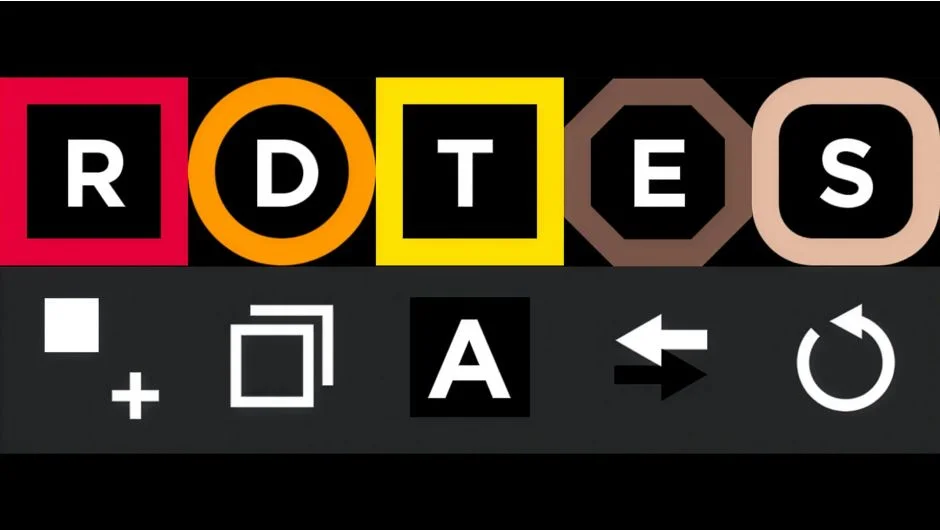
Library palette. Store textures with all layer settings (effects, keyframes, expressions, layer styles). Each saved texture becomes a reusable swatch in the palette.
One-click application. Apply saved textures to selected layers. Works with Alpha and Luma mattes, and you can texture multiple layers at once. Shift+Click to parent the texture layer to your selection. Alt+Click to replace an existing texture with a different one.
Set Matte Effect integration. Makes the native Set Matte Effect usable for texturing workflows, broadening your compositing options.
Build from timeline. Add any timeline element (texture layers, effects, shapes, expressions) to your palette. This means you can stockpile your most-used treatments and pull them up instantly.
Master controllers. Create a master controller for any property, useful when you want to drive multiple layers from a single control.
Layer cloning and replacement. Clone any layer exactly as it exists, or replace a texture across your comp with one click. Alt+Shift+Click removes a swatch from the palette.
Invert mattes. Alt+Click the Alpha Mode button to invert the track matte, handy when you need to flip the matte logic without diving into layer switches.
Compact UI. The panel is responsive and designed to stay out of your way. Includes keyboard shortcuts for common tasks.
Shareable palettes. Save your palette as a separate AE project and share it with team members, making it straightforward to maintain consistent textures across collaborators.
Note: Custom effect values like Levels Histogram, Curves Graph, and Hue Saturation Channel Range aren’t supported yet. All other effect values transfer correctly.
Who It’s For
Motion designers and animators working with textured illustration, character animation, or any workflow that involves applying the same visual treatments repeatedly. If you build texture libraries or reuse grain, noise, and stylistic effects across projects, this tool saves substantial setup time.
Pricing
$39.99 one-time purchase. Single User License and Floating Server License options available. A trial version is offered on the product page.