
What It Does
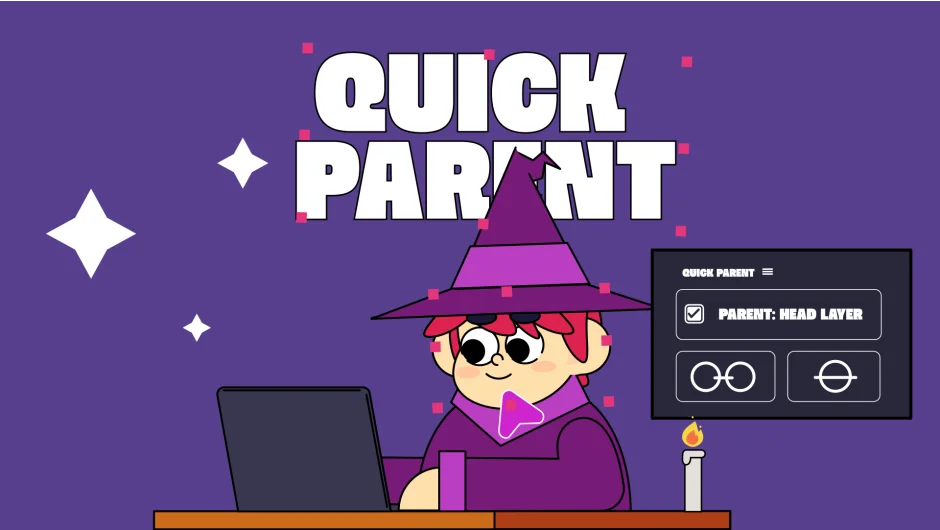
Quick Parent PRO replaces After Effects’ pick whip with a selection-based parenting system. Select your child layers, then your parent layer. Click Parent, and they link instantly. The script tracks selections in real-time, treating the last-selected layer as the parent. No dragging, no dropdown menus.
To unparent layers, select them and click Unparent. The script unlinks them immediately, skipping the standard “None” search through parent dropdowns.
Key Features
Real-time selection tracking. Quick Parent PRO watches your layer selections in the Timeline or Composition Viewer continuously. When you click the Parent button, it links all selected child layers to the last one you clicked.
One-click unparenting. Select parented layers and hit Unparent. They disconnect instantly, no menu navigation required. Particularly useful when reorganizing complex rigs or nested compositions.
Resource control toggle. Turn selection tracking on or off with one click. While the script’s background usage is minimal, disabling tracking ensures zero resource consumption when you’re not actively parenting.
The interface uses a simple two-button layout. The trial version limits parenting to three layers so you can test the workflow before purchasing.
Who It’s For
Useful for rigging character animation setups where you’re linking limbs, controls, and nulls frequently. Also speeds up motion graphics work when building hierarchies of shape layers, text, or grouped elements.
If you parent layers regularly (animation rigs, title templates, complex UI mockups), this cuts out the repetitive pick whip workflow. Works across After Effects versions from CS6 through 2026.
Pricing
Single license costs $14.99. The developer also offers upgrade pricing for previous buyers, accessible after logging in. There’s a free trial version available that limits functionality to three layers.
No subscription model, just a one-time purchase. Compatible with both the standard single-user license and floating server licenses for multi-seat studios.