
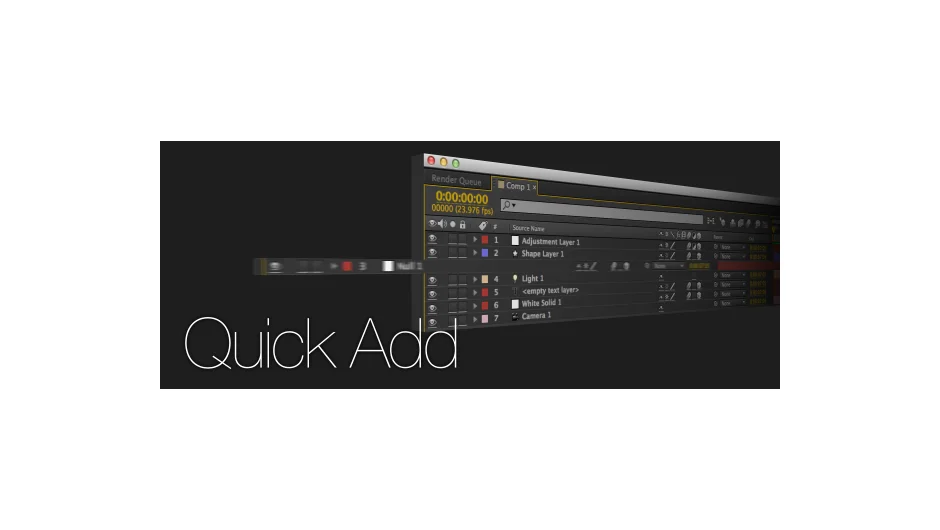
What It Does
Quick Add eliminates the repetitive dialog boxes when creating new layers in After Effects. Instead of clicking through menus and settings every time you need a new layer, this script adds them directly to your composition with a single click.
The script uses the playhead’s current position as the new layer’s in point and places it above the selected layer. This speeds up projects where you’re frequently adding layers at specific points in the timeline.
Key Features
Preset layer switches. Configure Collapse Transformations, Motion Blur, and 3D settings beforehand. Every new layer you create inherits these settings automatically, eliminating manual toggling after creation.
Current time placement. New layers start at the playhead position, not at the beginning of the composition. Useful when building sequences where layers need to enter at different times.
Above-layer placement. New layers appear directly above the currently selected layer, maintaining your intended stacking order without manual dragging.
Who It’s For
Motion designers working on projects with many discrete layers, like kinetic typography sequences or multi-element animations. Anyone who finds After Effects’ standard layer creation workflow slower than it needs to be.
Pricing
Quick Add uses pay-what-you-want pricing with a suggested minimum of $4.99. Individual users can choose their price; teams and businesses should pay the suggested amount for a valid license.