
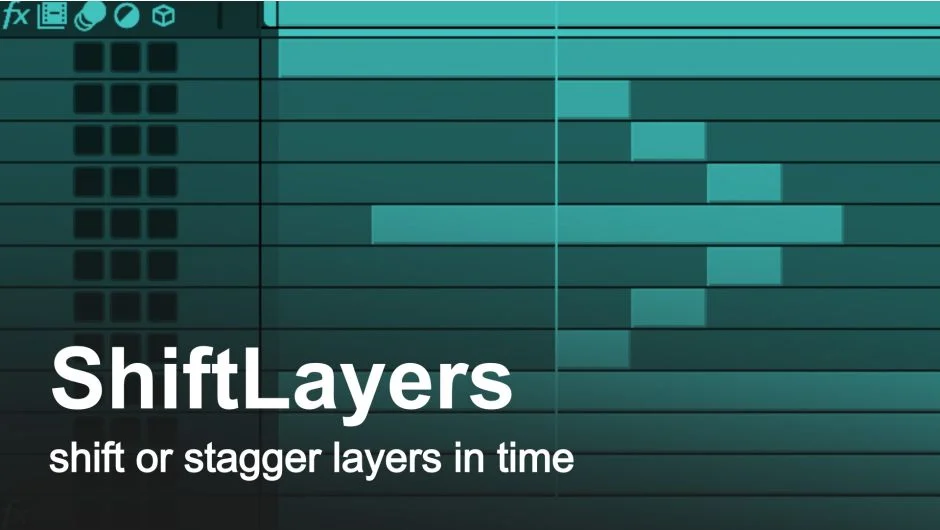
What It Does
pt_ShiftLayers handles two timing tasks that come up constantly in motion design: moving groups of layers together in time, and creating sequential offsets between them. Instead of dragging layers individually or calculating frame offsets by hand, you set a value and the script does the math.
Shift Selected Layers moves all selected layers by the same amount. You can shift by a specific number of frames or seconds, or snap the first in-point or last out-point of your selection to the current time indicator.
Stagger Selected Layers creates sequential offsets, spacing each layer by a fixed increment. Layers follow your selection order, so Shift-selecting gives you control over the sequence. You can stagger from the current time marker or add the offset to each layer’s existing position.
Both functions respect trimmed in-points and work with any layer type.
Who It’s For
Useful for title sequences where text elements enter one after another, logo animations with staggered reveals, or any composition where you need precise control over layer timing without writing expressions. The selection-order sequencing makes it practical for non-linear arrangements where layers aren’t stacked in the order you want them animated.
Two professionals quoted on the product page call it essential for daily work, one noting they use the stagger function on nearly every project.
Pricing
Pay-what-you-want with a $9.99 suggested minimum for individual users. Businesses and teams should pay the suggested amount for a valid license. One-time purchase, no subscription. Compatible with After Effects CS3 through 2025.