
What It Does
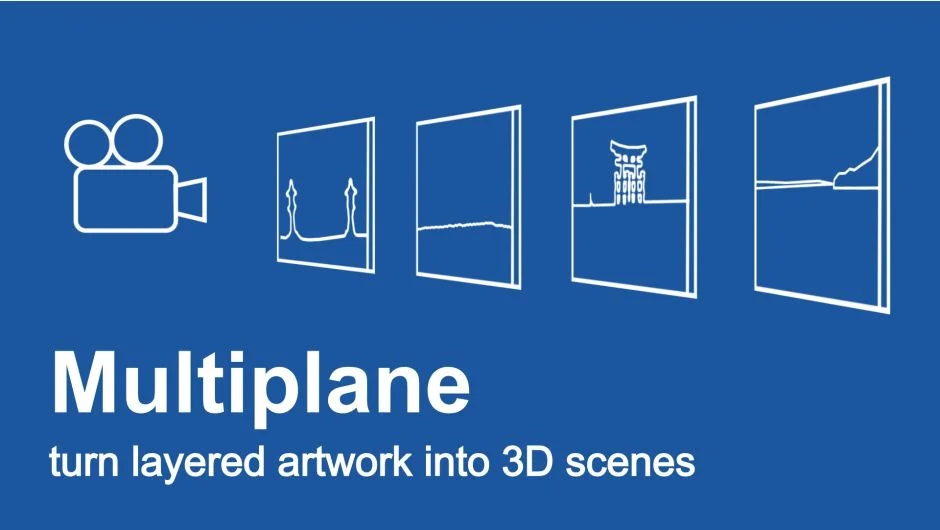
pt_Multiplane converts layered Photoshop or Illustrator files into 3D multiplanes inside After Effects. It adds expressions that let you move layers along the Z-axis while maintaining the original shot composition from the camera position. This lets you add parallax depth to flat artwork without redoing your layout.
The plugin handles the math for perspective scaling automatically. When you push a layer back in Z-space, it scales up proportionally so the layer still fills its original frame position from the camera’s point of view. Move it forward, and it scales down.
Key Features
Auto Arrange Layers distributes your layers across a specified Z-depth range automatically. You can spread them evenly or randomize their positions within that range, useful when converting flat illustrations into scenes with natural-looking depth.
Null Controls generates parent null objects for layers that already have animation or scale keyframes. This prevents the plugin’s scale expressions from interfering with your existing work. You can enable this for all layers if you prefer controlling Z-movement through nulls, and delete them once you’ve finished positioning.
Camera Options lets you choose between a 1-node camera (Position only) or 2-node camera (with Point of Interest). The plugin includes lens presets to match different focal lengths, giving you immediate camera setups that work with the multiplane.
Apply Multiplane adds the core scale expressions to selected layers or all layers in a comp. These expressions link each layer’s scale to its Z position, maintaining proper perspective as you animate depth.
Bake/Remove strips out the multiplane expressions after you’ve finished adjusting positions. You’ll want to use this before animating Scale or Z Position further, since the expressions can conflict with manual keyframes.
Who It’s For
Useful for motion graphics work that starts with flat layered files but needs dimensional camera moves. Common in title sequences, illustrated explainers, and photo-based composites where you want to add parallax without rebuilding assets in 3D software.
Also relevant if you’re recreating the classic multiplane look made famous by documentaries like The Kid Stays in the Picture, where archival photos gain depth through camera pushes.
Pricing
pt_Multiplane uses pay-what-you-want pricing. You set the amount when purchasing. A trial version is available to test compatibility before buying.