
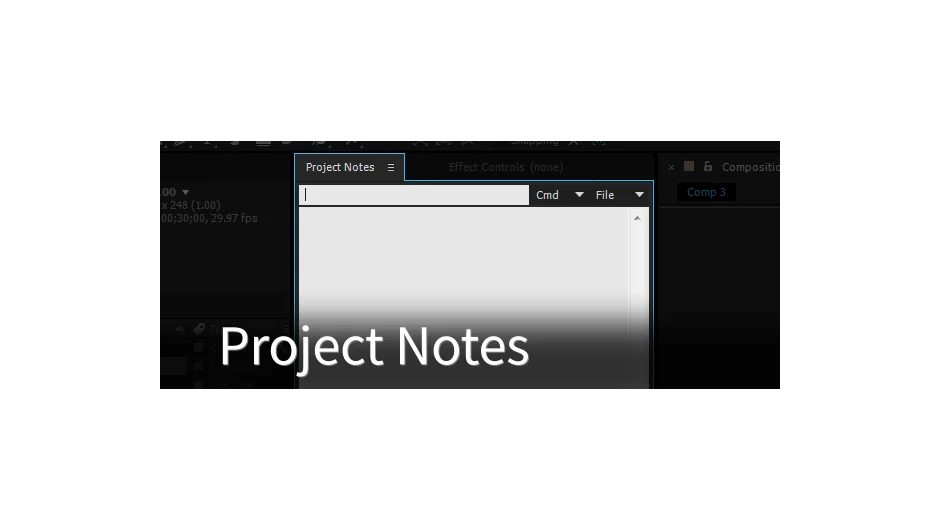
What It Does
Project Notes adds a dockable panel to After Effects where you can keep text notes, code snippets, and expressions. Instead of scattered text files or comments buried in your project, everything lives in one accessible workspace panel. Notes save to an external XML file, making them easy to share with collaborators or sync across machines using Dropbox, Google Drive, or similar services.
The plugin also stores notes as XMP metadata directly in your .aep project file, giving you two ways to keep information with your work.
Key Features
Dockable workspace panel. The notes interface integrates into your After Effects workspace like any other panel. No separate windows to manage.
External XML storage. Notes save to an XML file that you can place anywhere, including cloud storage folders for automatic syncing across multiple workstations.
XMP metadata support. Optionally save notes directly into your project file’s metadata, keeping documentation bundled with the .aep itself.
Code snippet handling. Supports storing and running snippets in formats like jsxinc, obj, and json. The advanced Cmd menu lets you execute saved code as After Effects scripts or command line operations on macOS or Windows.
Expression shortcuts. Apply saved expressions to selected timeline properties without retyping or copying from external files.
Version tracking. The panel displays modification dates for XML files and includes shortcuts for managing notes (Ctrl/Cmd+Click to save, Shift+Click to delete).
Who It’s For
Useful for anyone who writes expressions, maintains code libraries, or needs quick access to project-specific notes without cluttering the Comments panel. Particularly valuable if you work across multiple machines or collaborate with teams who need shared documentation.
Pricing
Project Notes uses pay-what-you-want pricing. The suggested price is $19.99, but you set the amount. A free trial is available to test compatibility with your workflow.
Compatible with After Effects 2020, CC 2019, CC 2018, CC 2017, CC 2015.3, CC 2015, and CC 2014.