
What It Does
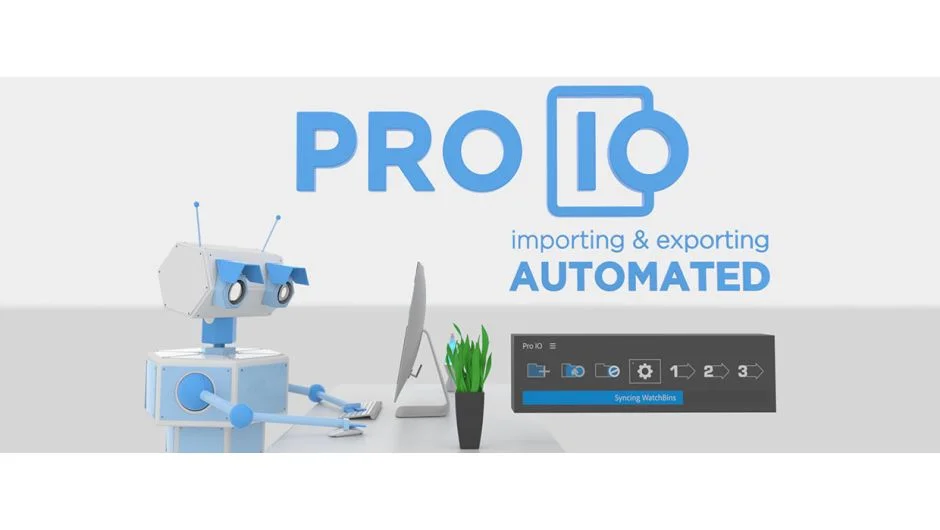
Pro IO automates the repetitive parts of importing and exporting media in After Effects and Premiere Pro. Link folders to project bins once, sync new assets with a click. Set up render presets with custom naming and destinations, then export multiple comps or sequences without re-entering settings each time.
It works in both After Effects and Premiere Pro, handling the tasks that normally require clicking through dialog boxes and typing the same folder paths over and over.
Key Features
Watch Bins link system directories to your project. Press sync and new files appear in the correct bins automatically. You can set paths as absolute or relative to the project file. Choose to include subfolders, flatten them, or ignore them entirely. Enable Image Sequences to detect sequentially numbered files and import them as a single sequence instead of individual frames. If you only need to update certain bins, select them and use Selective Sync to skip the rest.
Export Presets build render queues from your current setup. In After Effects, queue jobs to the render queue or Media Encoder. In Premiere Pro, send to Media Encoder. Use render templates in AE or EPR preset files for Media Encoder.
Custom Naming Format uses wildcards for version numbers, project name, comp or sequence name, and timestamps. Destination paths can be relative to the project or absolute. Create a Subfolder for each export, useful for image sequences. Add multiple Output Modules per preset to render several formats at once.
Settings include options to refresh image sequences on sync, color-label Watch Bins for visibility, and (After Effects only) reduce or trim the project on export to save render time without affecting the source project. Customize which file types Watch Bins import by editing the allowed file name endings.
Who It’s For
Useful for editors managing large projects with frequent asset updates, or motion designers rendering multiple variations of the same comp. If you import from the same folders repeatedly or export with consistent naming conventions, this automates those steps.
Pricing
Pro IO uses a pay-what-you-want pricing model. The suggested price is $59.99 for a single-user license, or choose your own amount. A trial version is available to test before purchasing.