
What It Does
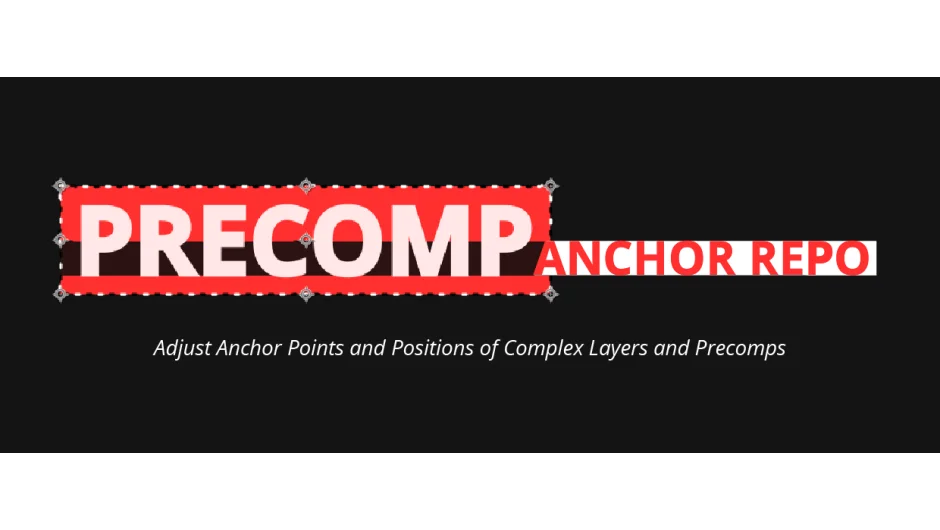
Precomp Anchor Repo repositions anchor points and layer positions to match detected content boundaries. Instead of manually calculating where your anchor point should be when working with precomps or masked layers, this script analyzes the actual content area and aligns everything automatically. It works with nested precomps, masks, track mattes, and even respects parent-child relationships.
Key Features
Left-click and right-click modes. Left-click adjusts the anchor point without moving the layer. Right-click adjusts position relative to the composition. This gives you two different alignment behaviors in one tool.
Precomp content detection. The script looks inside precomps to determine the actual content area based on all internal layers. Two calculation methods are available: Corner mode uses layer edges, while Vertex mode uses layer vertices for finer precision (though bezier curves aren’t calculated in vertex mode, which can affect shapes and masks slightly).
Mask and track matte support. Works with Add, Subtract, Add-Inverted, and Subtract-Inverted masks. Track mattes (Alpha and Alpha-Inverted) are calculated using vertices and layer edges rather than the actual alpha channel. The Set Matte effect is also supported.
Parent-relative alignment. Holding modifier keys lets you align anchor points or positions relative to a parent layer’s content area, not just the composition. Useful when building rigged character setups or nested animation hierarchies.
Settings panel. Control layer maximums, force-allow 3D layers (normally skipped), and adjust calculation methods. The interface shows a content area box preview so you can see what the script is detecting before applying changes.
Who It’s For
Riggers and character animators working with nested precomps and parented layers will find the parent-relative alignment options particularly useful. Motion designers handling complex masked compositions or track matte setups can skip the manual anchor point math. Anyone tired of manually repositioning anchors when content changes inside a precomp.
What It Doesn’t Support
The script skips cameras, lights, and environment layers. 3D layers are skipped by default (though you can force-allow them in settings, actual 3D adjustments aren’t supported yet). Most layer effects like Puppet Pin and distortions aren’t calculated. Bezier curves in masks and shapes aren’t calculated in vertex mode. Shape layer features like Stroke Width, Merge Paths, and Trim Paths aren’t supported.
Pricing
Single-user license costs $30. Floating server licenses are available for multi-seat studios. A trial version is available to test compatibility with your workflow before purchasing.