
What It Does
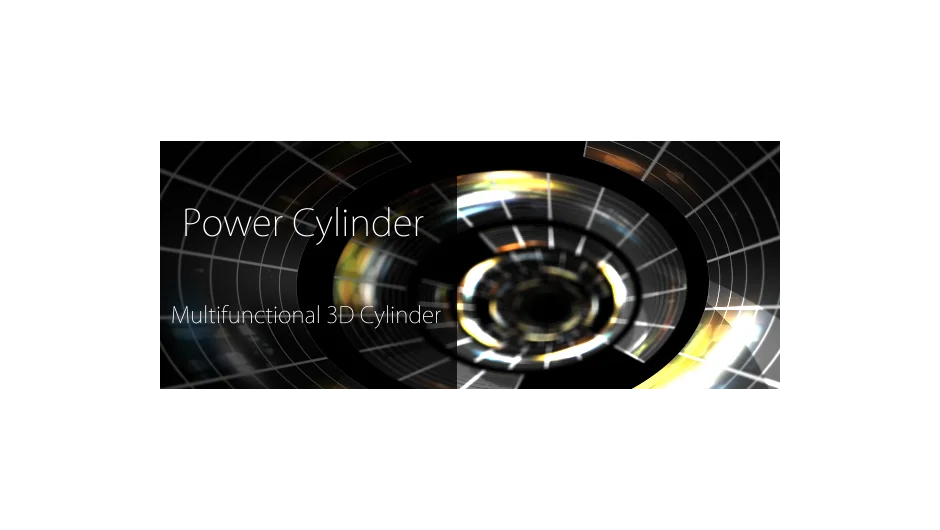
Power Cylinder creates GPU-accelerated 3D cylindrical surfaces directly inside After Effects. Unlike basic shape layers, it renders with self-shadowing, depth of field, and realistic shading that responds to your composition’s lights and cameras. The cylinder can be deformed into elliptic shapes, hyperboloids, or unfolded into a flat plane.
Key Features
Hyperboloid mode. Added in version 1.10, this lets you transform the cylinder into a hyperboloid shape, giving you more geometric variation for architectural or abstract designs.
Unfold and extend controls. Open the cylinder into a flat plane or invert it. Use the extend parameter to repeat the cylinder multiple times along its axis, useful for creating columns or repeating patterns.
Depth of field rendering. The plugin calculates DOF blur based on your After Effects camera settings, so the cylinder integrates naturally into 3D scenes without compositing tricks.
Self-shadowing and reflections. The cylinder casts shadows on itself and can display reflections, making it look like a physical object rather than a flat texture wrap.
Composition lights and cameras. Works with After Effects 3D lights and cameras, so you can position and light the cylinder using the same tools you use for other 3D layers.
Who It’s For
Useful for motion graphics artists creating product mockups, title animations with curved text wraps, or abstract 3D compositions. If you need cylindrical shapes that respond to lighting and cameras without leaving After Effects, this handles it without external 3D software.
Pricing
$39.99 for a single-user license. Available as a bundle with Power Sphere for $70 (automatically discounted in cart). Owners of the discontinued Za Enchu plugin get a 66% upgrade discount, or free if purchased after December 10, 2014.