
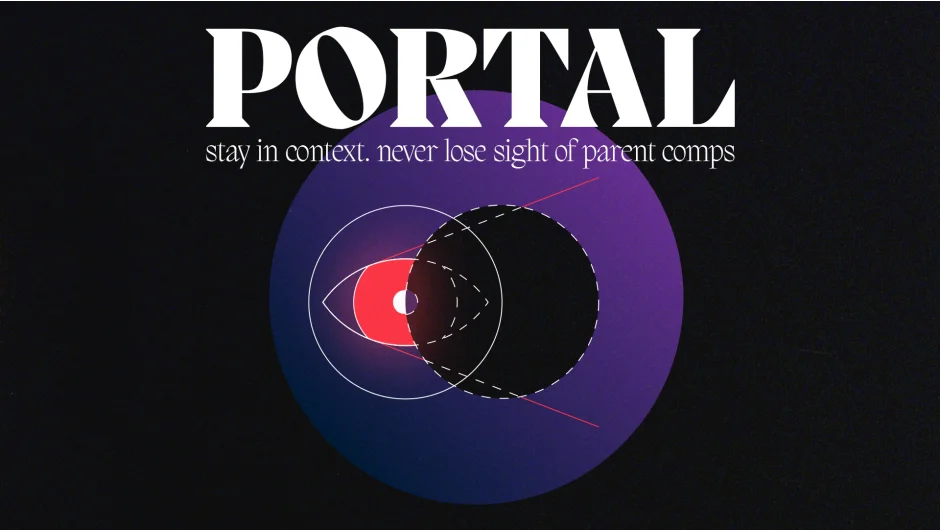
What It Does
Portal shows you the master composition while you’re working inside pre-comps. It inserts a time-remapped, guide-layer version of your master comp that stays synchronized with position, rotation, scale, and timing, even in deeply nested hierarchies. When you move a pre-comp on the timeline or make changes to the master, rebuild the portal to update all references across your project.
Key Features
One-click insertion. Select your master comp and click Insert Portal to generate a smart proxy layer inside the current pre-comp.
Transform translation. Version 1.1 translates the master comp’s position, rotation, and scale into any pre-comp depth, giving you accurate spatial context no matter how many layers deep you’re working.
Repeated pre-comp handling. Timing and transforms now follow the selected instance when the same pre-comp appears multiple times on the timeline.
Non-destructive guide layers. The portal layer is set as a guide, so it won’t appear in final renders. Safe to leave in place during delivery.
Global updates. Modify the master comp, then rebuild the portal to propagate changes through all nested references at once.
Who It’s For
Useful for motion designers and animators working with complex, timed sequences where stepping in and out of pre-comps disrupts focus. If you build layered animations, sync multiple pre-comps to a master timeline, or frequently lose spatial context when nesting, Portal keeps the bigger picture visible.
Pricing
Offered as pay-what-you-want for individual users. The honor system applies: pay what feels fair. Full suggested price required for commercial use. Not available for teams or corporate accounts. One-time purchase under Single User License (SUL), installable on up to two computers or accounts (not simultaneously).
Upgrade pricing available for prior buyers.