
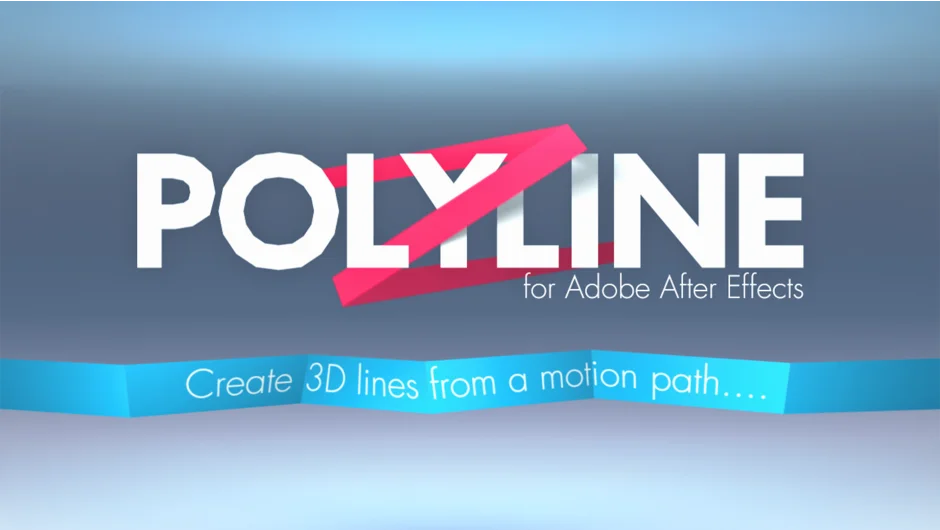
What It Does
Polyline converts motion paths into colorful straight-line segments that exist in After Effects’ real 3D space. These lines weave naturally between other 3D layers without compositing tricks. You can adjust each segment’s color, texture, and position independently, or modify the entire path at once.
Note: This product has been discontinued. No support is available.
Key Features
Width and color control. Set line thickness and choose from preset color themes through the plugin interface.
Null object animation. Each segment connects to a null object, letting you animate individual pieces of the line independently.
Closed or open paths. Toggle between continuous loops and paths with distinct endpoints.
3D workspace integration. Lines render in true 3D space, so they automatically interact with cameras and other 3D layers based on position.
Polylines have a maximum length of 30,000 pixels (After Effects’ comp size limit). Some motion paths, particularly chains of orthogonal segments across x, y, and z planes, may not convert properly. Rotating segments can distort textures. Built-in corner pin effects occasionally cause display issues.
Who It’s For
Motion designers working with 3D compositions who need geometric line animations. Useful for technical diagrams, abstract motion graphics, and visualizing spatial relationships between layers.
Pricing
Pay-what-you-want model. Individual users set their own price (suggested $49.99). Businesses and teams must pay the suggested price for a valid license. One-time purchase, no subscription.
A trial version limits projects to 3 segments and disables the closed path option.