
What It Does
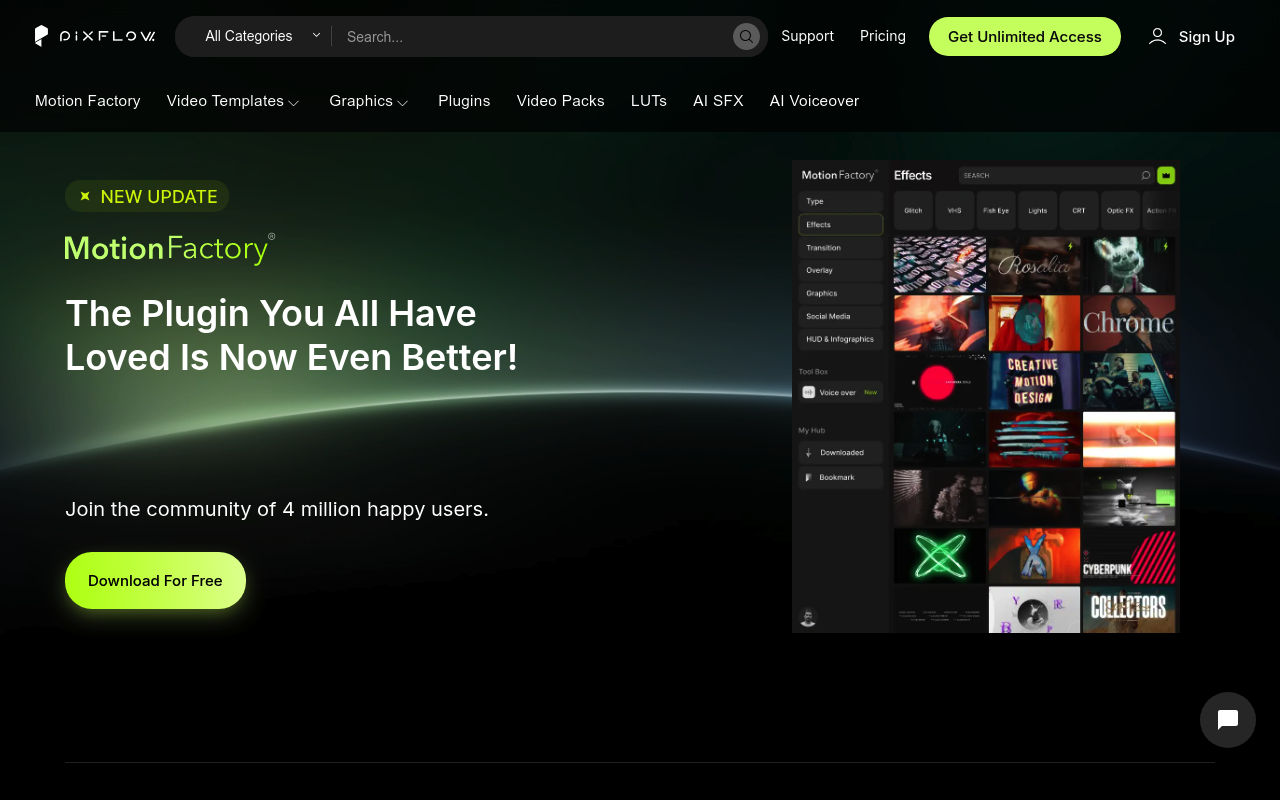
Pixflow operates as a subscription service for motion designers and video editors working in After Effects and Premiere Pro. Members get access to a rotating library of templates, the Motion Factory plugin, sound effects, LUTs, and AI-powered voiceover generation. Assets download directly for use in commercial projects, with cloud storage for team collaboration.
The service functions as a one-stop resource library rather than a standalone plugin. Motion Factory, their flagship After Effects extension, comes bundled with higher subscription tiers and provides quick access to templates and effects from within the application. Downloaded assets remain usable even after subscription ends, though new downloads require an active plan.
Key Features
The platform includes several distinct components. The template library covers video and graphic templates suitable for title sequences, lower thirds, and motion graphics projects. Motion Factory integrates directly into After Effects and Premiere Pro, allowing drag-and-drop access to templates and effects without leaving your project.
AI tools include voiceover generation in 29 languages and sound effect creation, operating on a credit system that varies by subscription tier. Credit allocations range from 25,000 to 600,000 monthly depending on your plan. The service also provides color presets and LUTs for grading workflows.
Cloud storage scales from 5GB to 256GB based on tier, with team member slots ranging from 2 to 10 users. All subscriptions include commercial licensing, with the lifetime plan adding TV and SVOD broadcast rights.
Who It’s For
Pixflow targets working video editors and motion designers who regularly need fresh assets for client projects. The subscription model makes sense for studios producing multiple videos monthly where template costs would otherwise add up. Freelancers handling social media content, YouTube channels, or corporate videos will find the library useful for quick turnarounds.
Teams benefit from shared storage and multi-user licensing. Motion Factory supports up to 5 device installations per team license, making it practical for small post-production houses. The AI voiceover tools particularly suit creators producing educational content or explainer videos who need narration without hiring voice talent.
Solo editors working occasional projects might find the monthly cost harder to justify compared to buying individual assets as needed.
Pricing
Pixflow offers three subscription tiers plus a lifetime option. The AI Suite plan runs $9.99 monthly with 100 templates, 200 sound effects, and 600,000 AI credits. Templates & SFX costs $14.99 monthly (or $39.99 annually) and doubles the asset limits while adding Motion Factory access for templates and effects only.
Pixflow Max sits at $19.99 monthly with unlimited downloads, full Motion Factory plugin access, 64GB storage, and up to 10 team members. The lifetime plan costs $399 as a one-time payment, including 256GB storage and broadcast licensing.
All plans allow cancellation anytime. After canceling, you retain access to previously downloaded assets but cannot download new ones. Annual billing provides modest savings through upfront payment. No free trial appears available.