
What It Does
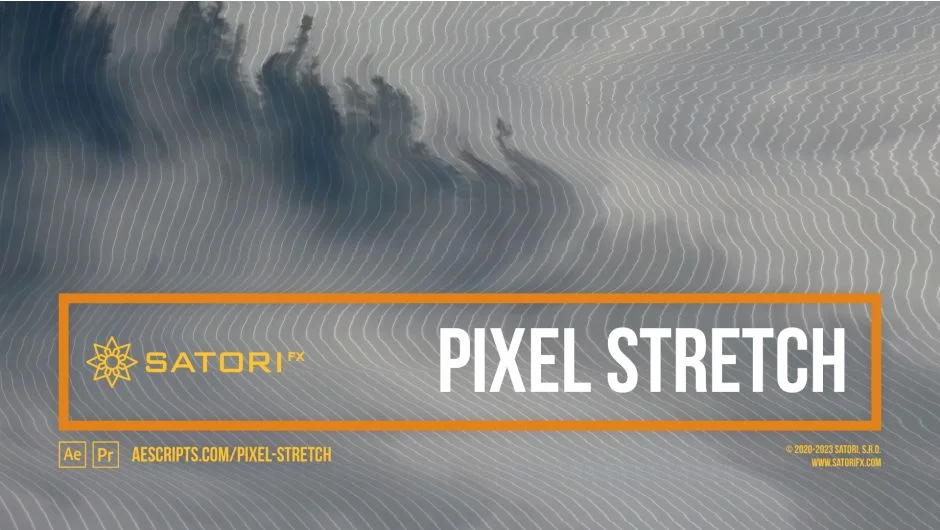
Pixel Stretch distorts images by stretching pixels based on their brightness values, with each pixel pushing all following pixels on its row or column. This creates organic patterns that look more natural than simple linear displacement. Think of it as analog TV distortion with precise control, but applicable to glitchy motion graphics, painterly textures, and creative transitions.
The effect works in orthogonal directions (up, down, left, right) and stretches pixels cumulatively along each line. You can drive the stretch with the layer’s own luminance or use a separate input layer as a mask.
Key Features
Stretch Curve. Maps pixel brightness to stretch amount. Linear Ramp Up stretches bright pixels maximally while leaving dark pixels unchanged. Linear Ramp Down does the opposite. You also get exponential curves and triangular waves for different looks.
Curve Phase. Offsets the curve mapping values, letting you shift which brightness levels get stretched without changing the underlying image.
Distribution Mode and Range. Controls how stretching spreads across the image. Constant applies it evenly; Linear Ramp Up/Down gradually increases or decreases the effect. Distribution Range sets what percentage of the frame gets affected (0 to 1 for 0-100%, values above 1 extend to infinity for repeated images).
Stretch Start Offset. Skips a percentage of the image before stretching begins, useful for isolating effects to specific regions.
Channel control. Apply the effect to all channels (Luma), individual RGB channels separately, only alpha, or any combination. This lets you create chromatic aberration-style effects or target specific color information.
Intensity Source. Use a different layer to drive the stretch (as a mask), which opens up motion graphics workflows where one layer controls the distortion of another.
Pixel Stretch Intensity. A master percentage control (0-100%) that interpolates all parameters, making it simple to animate the effect on or off without touching individual settings.
Shading overlays. Adds patterned dimming over the stretched image with adjustable interval size, phase, channel targeting (RGB or alpha), and opacity.
Edge modes. When using pixel sizes below 1, the image can repeat. Choose how it tiles (wrap, mirror, clamp) or use transparency with feathering for smooth transitions.
Multi-frame rendering and universal macOS binary (including Apple Silicon) mean it performs well in modern After Effects workflows.
Who It’s For
Motion designers looking for organic glitch effects beyond standard displacement maps. Useful for title animations that need a degraded analog feel, transitions where image degradation tells a story, or experimental video art. The ability to use separate input layers makes it flexible for music video work where you want audio-reactive stretch patterns.
Also handy for extending narrow images by applying the effect twice in opposite directions (see the developer’s notes on using Stretch Start Offset with Distribution Mode for this).
Pricing
$39.99 for a single-user license. Trial version available. Supports After Effects and Premiere Pro from CS6 through 2025. Upgrade pricing available for existing Satori customers when logged in.