
What It Does
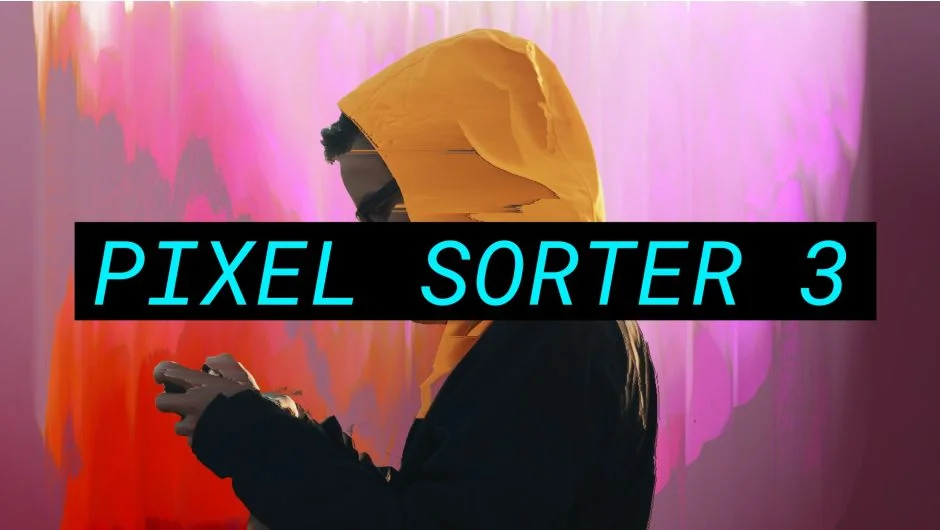
Pixel Sorter reorganizes pixels in your footage based on sorting algorithms you control. Instead of keeping pixels in their original positions, it selects and sorts them by brightness, color, or other criteria, then stretches them across the frame. The result ranges from subtle visual distortion to full datamosh-style glitches.
You can sort by row or column, target highlights or shadows, and use masks to constrain where sorting happens. Add noise for texture, enable mirror mode for loopable animations, or create floating particle effects. All processing happens on the GPU, so you see changes in real time without waiting for previews.
Key Features
Sorting modes. Choose how pixels get selected. Highlights mode targets the brightest pixels, Shadows targets the darkest. Other modes let you sort by specific color channels or custom thresholds.
Constraint masks. Draw masks to limit sorting to specific areas. Sort only the background, only a face, or anything in between. Masks give you precise control over where the effect appears.
Directional control. Sort pixels horizontally by row or vertically by column. Animate the direction to create evolving patterns.
Noise controls. Add granular detail to the sorting effect. Noise breaks up smooth gradients and creates texture where you need it.
Stretch mode. Extend sorted pixels across greater distances for longer, more pronounced streaks. Useful for aggressive glitch looks.
Mirror sorting. Reverse the sorting direction partway through to create symmetrical, loopable patterns. Good for motion graphics backgrounds that need to tile.
Comparators. Algorithms that determine where sorted pixels start and stop. Different comparators produce different visual rhythms and behaviors.
GPU acceleration. All processing runs on your graphics card. Scrub the timeline and see results instantly.
Who It’s For
Pixel Sorter works for motion designers creating glitch-style title sequences, VJs who need real-time reactive visuals, and editors adding digital artifacts to music videos or experimental footage. It’s been used in broadcast TV, feature films, video games, and live performances.
If you’re working with stylized visuals that reference digital degradation or datamosh aesthetics, Pixel Sorter gives you direct control over the effect instead of hoping an export-import workflow produces something usable.
Pricing
Single license costs $49.99. Works in After Effects, Premiere Pro, and Media Encoder.
A free trial is available with output limited to 960x540 resolution and watermarked. Enter a license code to remove restrictions.
Upgrade pricing: If you bought version 2 after June 5, 2023, upgrade to version 3 for free. Purchased v2 before that date? Upgrade for $25. Version 1 owners upgrade for $35. Floating licenses cost extra.
Cross-platform discount: Buy the After Effects/Premiere license and get approximately 50% off Nuke or DaVinci Resolve versions.
Bundle offer: Save 10% when buying two or more plugins from Pixel Sorter Studio.