
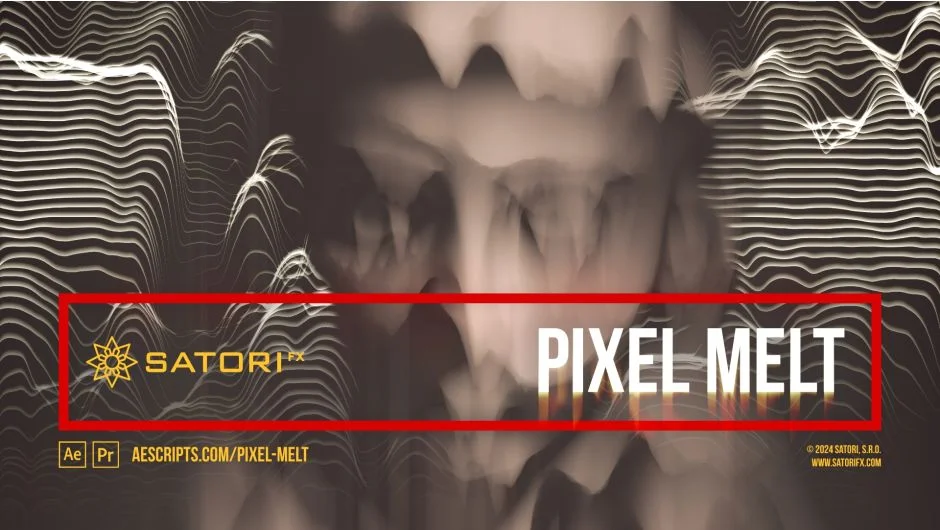
What It Does
Pixel Melt treats each pixel in your image independently, assigning velocity and spread values based on brightness. Brighter pixels move faster and stretch further, creating melting, dripping, or scanline separation effects. Unlike sequential stretch filters, pixels overlap each other as they move, creating organic distortions.
Animate the Pixel Melt Intensity slider from 0% to 100% to simulate a melting process over time. Set a Melt Step value (up to 16,384) to control how far pixels travel. Combine this with Velocity and Spread parameters to fine-tune the behavior. The plugin also supports scanline modulation, letting you warp the starting position of each line for glitch-style effects.
Key Features
Independent pixel processing. Each pixel calculates its own movement and stretch based on luminosity curves. You can remap brightness to velocity using functions like sine wave, triangle wave, or linear ramps. Velocity Intensity Source and Spread Intensity Source let you use separate layers as masks for even more control.
Shading options. Stretched pixels can render solid or with modulation. Choose from Sine Wave, Triangle Wave, Linear Ramp Up, or Linear Ramp Down. Animate the Shading Phase to create shifting patterns along the stretched pixels.
Scanline controls. Adjust Scanline Step to process pixels at intervals rather than continuously. Scanline Modulation parameters (amplitude, function, period, phase) let you offset scanlines perpendicular to the melt direction. Useful for creating VHS-style glitches or abstract geometric patterns.
Screen behavior. Enable Wrap to loop pixels from one edge to the other. Use Output Continuity to remove gaps in the output (“All” fills everything, “Full Alpha Only” creates intentional glitches). Fullscreen Stretch scales the visible melted area back to the comp dimensions. Off-screen Reach displays pixels that have moved beyond frame boundaries.
Fade controls. Fade Start and Fade End dim the beginning or end of scanlines, creating vignette-style effects or transitions. These are interpolated by the main intensity slider.
Velocity and Spread curves. Visual graphs (in After Effects CC 2015+) show how pixel brightness maps to movement and stretch. Adjust Phase, Smoothness, and Floor to reshape these curves. For example, invert the velocity curve to make dark pixels move faster than bright ones.
Who It’s For
Useful for glitch artists creating analog distortion looks, motion designers adding abstract transitions, or VFX artists simulating data corruption or heat warping. Works in both After Effects and Premiere Pro. Supports multi-frame rendering but does not use GPU acceleration. Maximum render resolution is 16,384 pixels.
Pricing
One-time purchase at $41.99. Compatible with After Effects and Premiere Pro from CS6 through 2025. Trial version available. Upgrade pricing may be offered to existing Satori plugin owners (login required to check eligibility).