
What It Does
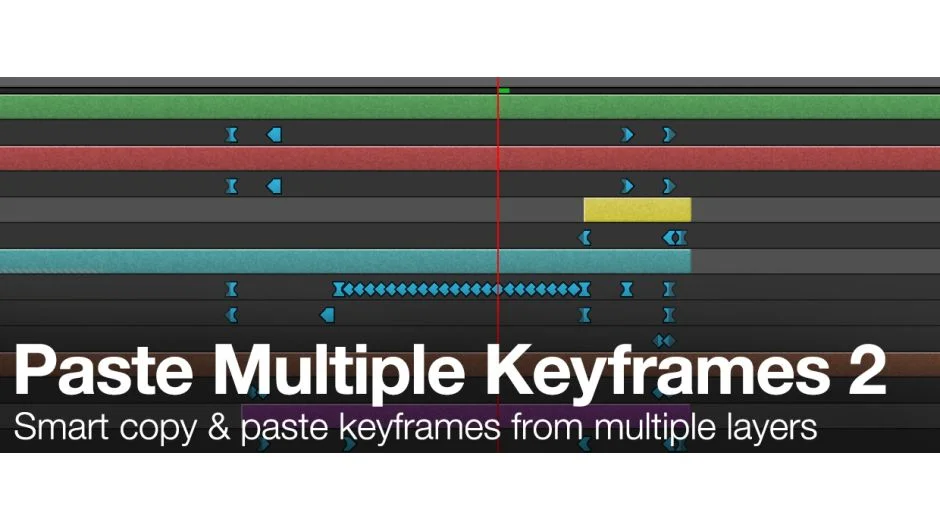
Paste Multiple Keyframes 2 lets you copy keyframes from multiple layers simultaneously and paste them all at once. Select keyframes across any number of layers, move the playhead to your target time, and click Paste. The script places keyframes accurately without duplicating layers. You can also paste animation loops by specifying how many times to repeat the keyframe sequence.
Key Features
Multi-layer support. Copy keyframes from multiple layers in one operation instead of pasting each layer individually.
Loop pasting. Repeat pasted animations by setting a loop count, useful for cycling motion or creating repeated patterns.
Fast mode for large datasets. The “Do not copy” checkbox skips easing and interpolation data when pasting. This dramatically speeds up operations when working with hundreds or thousands of keyframes per layer, common in tracking or motion capture data.
Optional keyframe color copying. Version 2.0.12 added the ability to copy and paste keyframe label colors along with the animation data.
Per-property loop timing. Loop each animated property based on its own time range rather than forcing all properties to share the same loop duration.
Flexible installation. Install in the ScriptUI Panels folder to run with a GUI, or in the Scripts folder to use it headless with tools like ft-Toolbar.
Who It’s For
Useful for animators working with character rigs or complex multi-layer setups where copying individual layers becomes tedious. Motion graphics artists who need to repeat animation cycles will benefit from the loop feature. Also valuable for anyone importing tracking data or motion capture with massive keyframe counts, where the fast mode significantly reduces paste times.
Pricing
This script uses pay-what-you-want pricing. The suggested price is $9.99, but you can choose your own amount when purchasing.
