
What It Does
Ouroboros 2 applies multiple strokes to a single shape path in After Effects. Instead of duplicating layers or creating workarounds, you can stack strokes directly on one path and control each stroke’s width, opacity, trim, and timing independently. Developed by Sander van Dijk in collaboration with Remco Janssen (creator of Expressionist), the plugin generates detailed line effects for motion graphics work.
Key Features
Multiple stroke generation. Apply as many strokes as needed to one path. Each stroke can be customized separately.
Individual stroke control. Set random stroke width and opacity for each line. Trim strokes individually or link them to the original stroke’s trim settings.
Animation timing. Delay the animation of each stroke over time, randomize timing, or add continuous speed to create staggered reveals. Keyframe speed changes across all strokes at once.
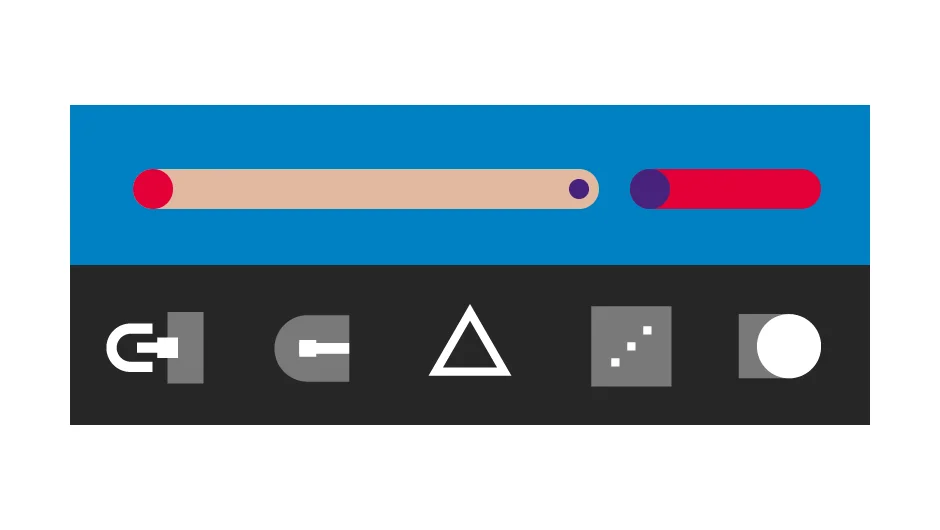
Shape options. Generate centered lines, squares, circles, or triangles. The plugin maintains stroke width when scaling the original path.
Stroke styling. Add dots to start and end points, change stroke direction, or adjust cap and join settings. Control random seeds for consistent randomization.
Unified color control. Color multiple strokes with a single color control instead of adjusting each stroke layer.
Useful for title animations, kinetic typography, abstract patterns, and any project requiring complex layered stroke effects.
Pricing
Ouroboros 2 uses a pay-what-you-want model. The plugin is free to download and use. The suggested price is $29.99, but individual users can contribute any amount (including zero). Businesses and teams are expected to pay the suggested price for a valid license. The creators describe it as “buying us a coffee or lunch” if you find it useful.
