
What It Does
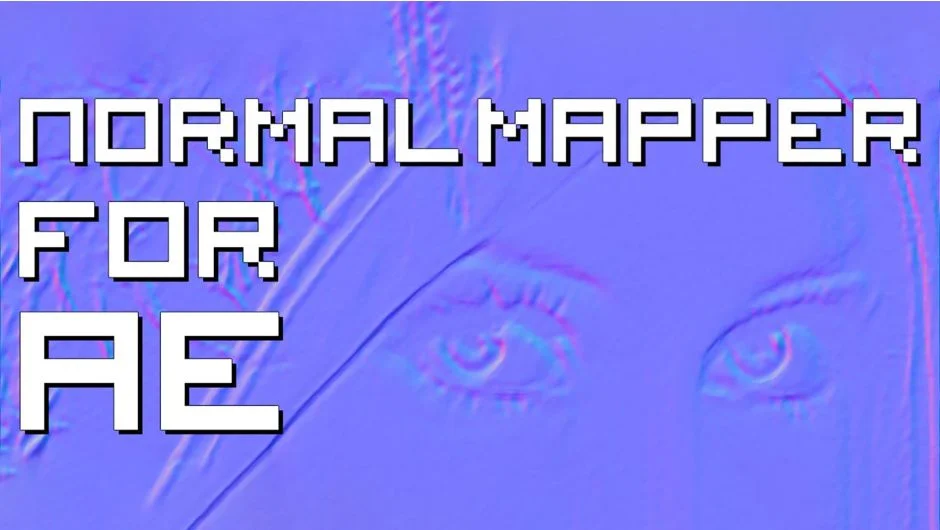
Normal Mapper for AE generates normal maps directly inside After Effects using any bitmap source. The plugin reads luma (grayscale) values from your footage and converts them into normal maps, bump textures that simulate 3D surface details without adding geometry. You can then export these maps for use in 3D rendering software or game engines.
Because it operates as a standard filter, you can apply any After Effects effect before Normal Mapper processes the image. Add noise for rough surfaces, blur for smoother transitions, or use high pass filters to emphasize fine detail. This workflow keeps all your normal map creation inside AE rather than switching between applications.
Key Features
GPU acceleration. The plugin runs on your graphics card, making normal map generation fast enough for interactive work.
Filter compatibility. Stack AE’s built-in effects before Normal Mapper to shape your maps. Noise generators, blur filters, adjustment layers, whatever you need to get the surface detail right.
Direct export workflow. Generate maps in your AE comp and render them out for immediate use in Unity, Unreal, Blender, or any software that accepts normal maps.
Who It’s For
Useful if you’re creating assets for 3D projects but want to stay in After Effects for the texture work. Motion designers working on 3D title sequences, game developers prototyping assets, or VFX artists prepping elements for comp all benefit from keeping this step in their existing pipeline.
Pricing
Normal Mapper uses a pay-what-you-want model with a suggested price of $19.99. Individual users can pay any amount they choose, while businesses and teams are expected to pay the suggested price for a valid license. This is a one-time payment, not a subscription.
The plugin supports After Effects CS6 through 2025, with native M1 support added in version 1.3.