
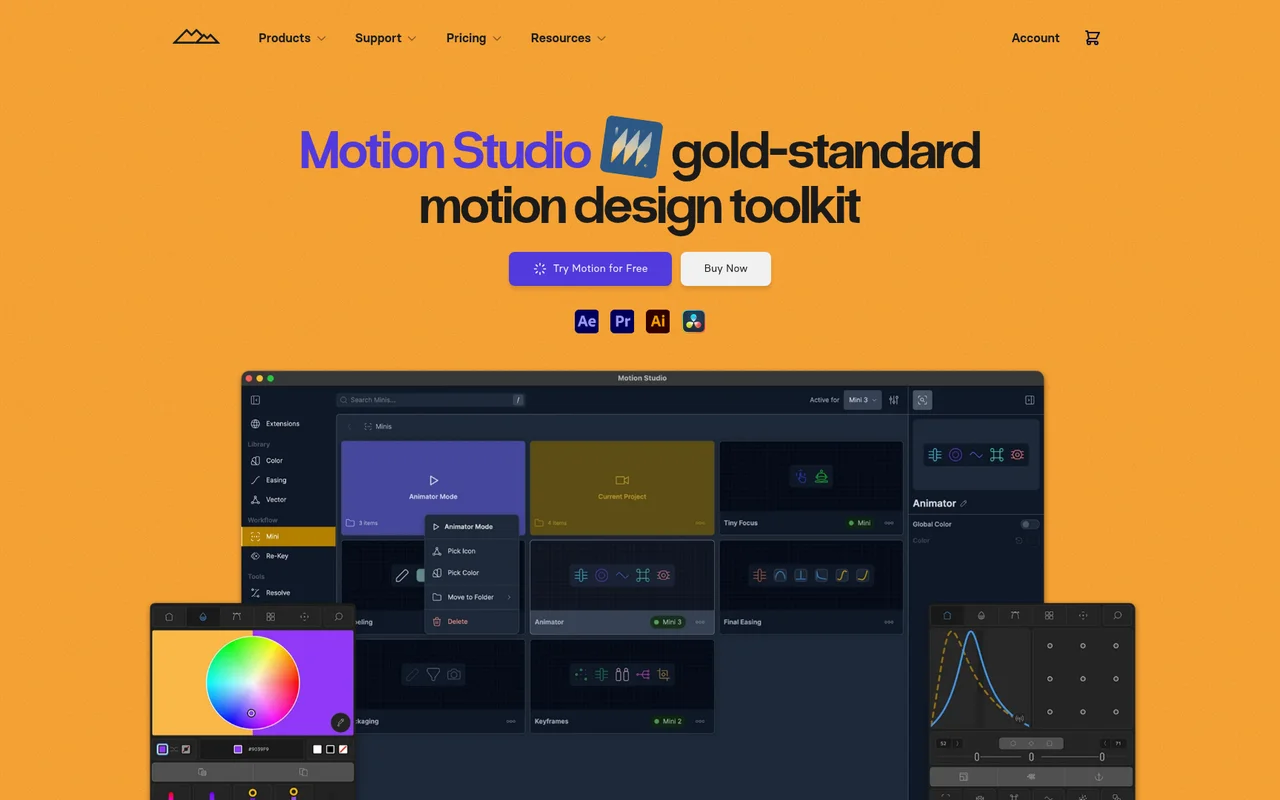
What It Does
Motion Studio is a comprehensive animation toolkit that extends After Effects, Premiere Pro, Illustrator, and DaVinci Resolve with over 80 specialized tools and workflow panels. Built by Mt. Mograph since 2013, it automates frequent tasks, manages keyframe easing, organizes color palettes, and provides deep customization for motion designers working under deadline pressure.
Key Features
Anchor Point Controls. Snap layer anchor points to bounding box margins in one click, eliminating the manual repositioning that slows down layer setup.
Advanced Easing Panel. Manipulate keyframe speed, influence, and value directly without opening the Graph Editor. Drag your cursor in a visual graph or use mirrored sliders to adjust timing.
Re-Key System. Save, re-apply, re-time, and share keyframe sets through a custom library. Useful for standardizing animation timing across multiple comps or projects.
Key-Assist. Auto-set bulk keyframes with a property listener assistant that watches for changes and writes keyframes automatically.
Focus Mode. Isolate and control specific layers or groups to reduce clutter when animating complex compositions.
Delay and Falloff Tools. Stagger animation timing across multiple layers with precise control over delay intervals and easing falloff.
Color Management. Organize and sort color palettes in a dedicated panel, making it faster to maintain brand consistency or explore color variations.
Composition Tools. Preview and change composition settings through modern controls without navigating nested menus.
Mini Panel. Create a lightweight companion extension populated with your most-used tools, libraries, and After Effects commands for quick access.
Pinned Tools. Pin frequently-used tools in custom groups, reorder them, and remove what you don’t need.
Who It’s For
Motion designers and animators working in production environments where speed and repeatability matter. Companies like Airbnb, Apple, and Amazon have Motion Studio in their workflows. Useful for both solo freelancers managing multiple projects and studio teams standardizing animation techniques across artists.
Pricing
Motion Studio requires an annual subscription billed monthly at $13 per seat. This includes the desktop application, all extension panels (Color, Easing, Focus, Mini), 80+ animation tools, and Resolve Ease for DaVinci integration.
The Ultimate Bundle at $19/month adds Boombox Studio (15,000+ sound effects library) and Wander (media search tool). Both plans support multi-workstation installs and include automatic updates. A 7-day free trial is available to test the toolkit before committing.
Compatible with Adobe CC 2021-2024+ and DaVinci Resolve on macOS (Intel and Apple Silicon) and Windows (x64 and ARM64).

