
What It Does
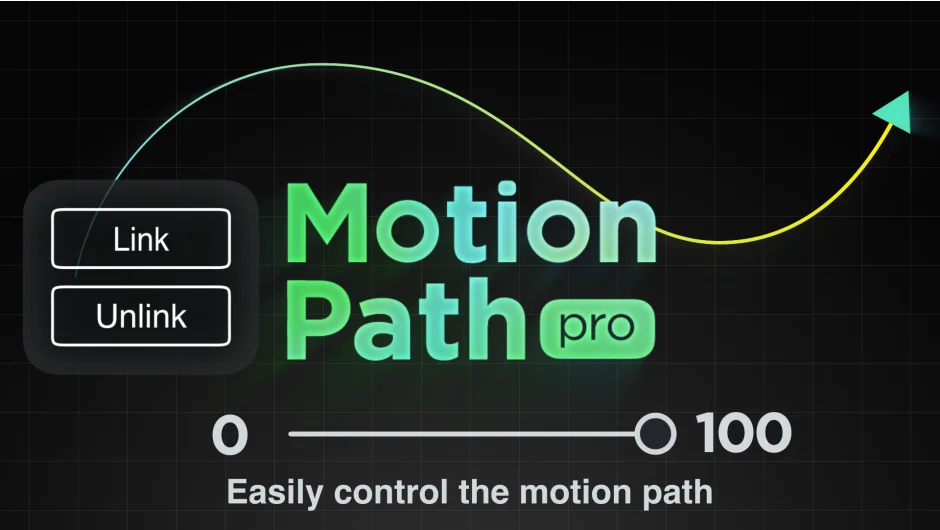
Motion Path Pro connects layer animation to mask shapes in After Effects. Instead of keyframing position along a path with dozens of keyframes that drift when you adjust timing, you draw or select a mask and animate with a single slider from 0 to 100. The layer follows the mask shape exactly, and you can swap motion paths or reverse direction at any time without rebuilding keyframes.
Key Features
One-click linking. Select a layer, click Link, choose a mask from any layer in your comp, and the motion path connects. Click Unlink to remove it.
Slider control (0 to 100). Animation happens on a single property. No hunting through position keyframes. Easing and timing edits happen in one place.
Swap paths mid-animation. Change which mask drives the motion path without restarting. Useful when iterating on path shapes or testing different routes for the same animation.
Auto-orient and reverse toggles. Orient the layer to face the direction of travel, or reverse the path direction, both with a checkbox.
Real-time mask editing. Adjust the mask shape while previewing. The animation updates immediately.
Animated mask paths. If the mask itself is keyframed (changing shape over time), the motion path animation follows those changes.
Who It’s For
Useful for motion graphics work where you’re animating objects along paths, like title reveals, logo animations, or character movement. Common in explainer videos, kinetic text sequences, or any project where you need precise path-based motion that’s easy to revise.
Pricing
Currently $8.00 (special price valid until March 15, 2026). Regular price is $12.90. One-time purchase with a single-user license. Compatible with After Effects 2022 through 2026.