
What It Does
Moglyph FX replicates the cloner and effector workflow from Cinema 4D’s Mograph module directly inside After Effects. Instead of duplicating dozens of layers with sequential offsets, you manage everything in a single text layer. Clone glyph shapes or regular text, arrange them in patterns, and animate them procedurally with effectors that control parameters like position, rotation, and color across all clones at once.
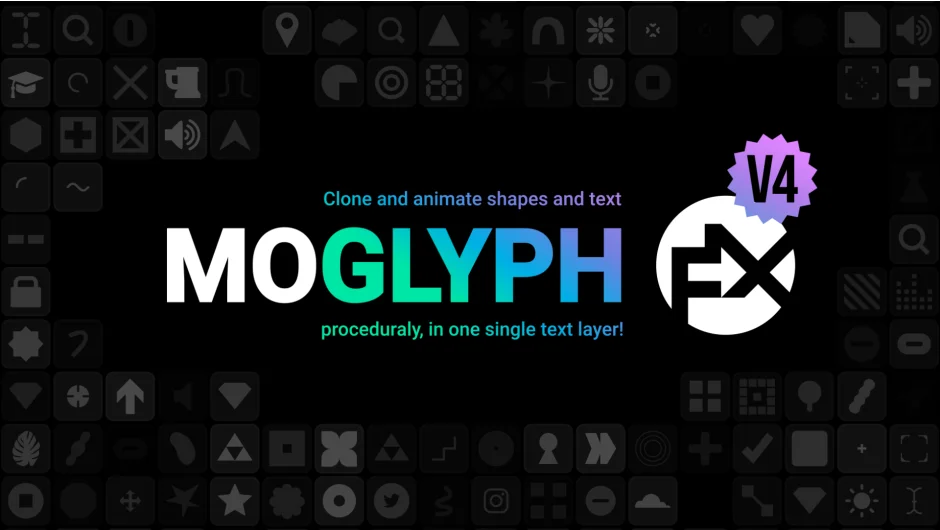
The plugin includes 25 built-in fonts with 100 glyph shapes each (2,500 total), covering geometric forms, HUD elements, UI icons, infographics, patterns, and particle-style shapes. You can also create custom glyph fonts or use any system font installed on your machine.
Key Features
Moglyph FX organizes its tools into three tabs: Cloners, Effectors, and Other.
Six Cloner Types. The Spline Cloner distributes shapes along a path or onto path points. Linear Cloner arranges them in a line. Radial Cloner creates circular patterns or concentric rings (added in v4.2). Spiral Cloner follows a golden angle distribution mimicking natural plant growth. Grid Cloner builds arrays with optional tapering for triangular layouts. Brick Cloner alternates row counts for honeycomb-style arrangements. Hold Shift while creating a Grid or Brick Cloner to rotate the layer 90 degrees, useful for horizontal falloff animations.
MoText Modes. Introduced in version 4, these modes let you use any installed font instead of glyphs. The Letters mode distributes individual characters from editable text. The Words mode duplicates entire words based on the cloner’s count setting. Double-click the MoText layer to edit source text directly.
Hash (Random Characters) Mode. Added in v4.2, this populates cloners with randomized characters from a chosen range: binary, digits, alphabet (upper or lowercase), or full Unicode.
Five Effector Types. Plain Effector applies uniform parameter values across all clones or a falloff-defined subset. A new TextStyle Effector (v4.2, requires After Effects CC 2025+) modifies tracking, faux bold/italic, scale, and font family via range selectors. Delay Effector animates clones sequentially, inwards/outwards, or randomly with animation presets like elastic, bounce, or quantize. Formula Effector applies values based on curve animations, N-selection, or random direction formulas (heavily expanded in v4). Random Effector creates organic motion with adjustable wiggle speed or static randomization. Sound Effector syncs clone animation to audio waveforms.
Glyph Panel. Click Add New Glyph to open a 10x10 grid of clickable icons from the selected font. Replace the default square shape or add multiple glyphs to a cloner. Glyphs iterate by default but can randomize. Hold Shift while clicking this button to populate a regular text layer (no cloner) with glyphs, or Shift + Alt to convert the result directly to a shape layer for gradient fills, trim paths, or other shape layer features.
Falloff Control. Every effector includes a falloff (essentially an exposed Text Animator Range Selector) with options for square, ramp, triangle, round, or smooth shapes. Falloff can target per glyph, word, or line.
Custom Fonts. Create your own glyph libraries using the Custom Font Creator Assistant in the Other tab. These appear in the fonts dropdown with an orange icon.
Who It’s For
Motion designers working on title sequences, kinetic typography, data visualizations, or HUD graphics will save hours by avoiding layer duplication and manual offset workflows. The plugin suits anyone familiar with Cinema 4D’s Mograph or Cavalry’s duplicators who wants similar procedural control in After Effects. It’s equally useful for creating animated icon libraries or abstract particle-style patterns.
Pricing
Moglyph FX uses pay-what-you-want pricing with no minimum. Name your own price when purchasing. Upgrade pricing is available for previous buyers who log in before checkout.
