
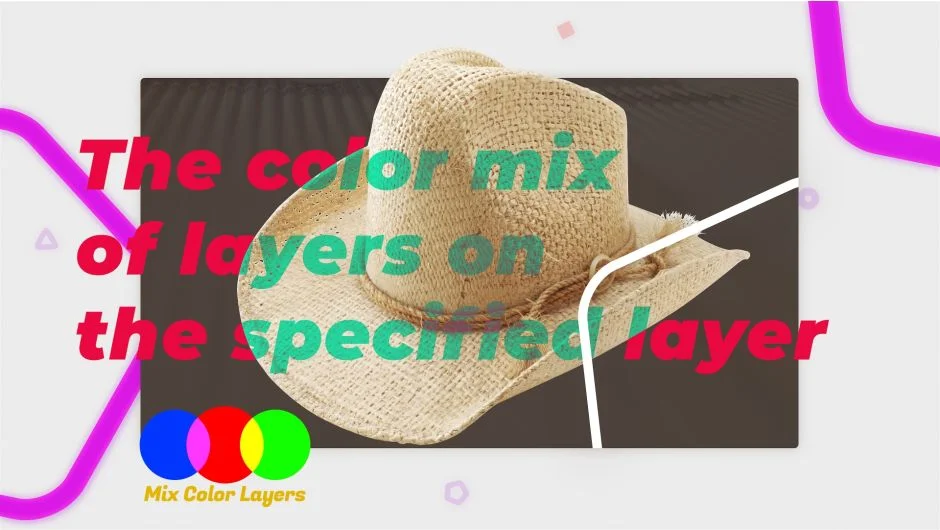
What It Does
Mix Color Layers applies different blending modes to multiple layers at once, merging them into a single output layer. Each layer gets its own mode and intensity control, isolating the blending from the rest of your comp. Works with comp layers, shape layers, and text layers.
Key Features
Independent mode controls. Apply a different transfer mode to each source layer with individual intensity sliders. The blending happens in isolation, so other layers in your comp remain unaffected.
Drag-and-drop interface. Add source layers by dragging them into the plugin panel. The responsive UI shows all active layers and their settings at a glance, making it easy to manage complex color combinations.
Unlimited layers. Combine as many layers as needed. Useful for building complex color looks from multiple texture or gradient elements without creating nested pre-comps or juggling blend mode stacks.
Who It’s For
Useful for motion designers building stylized color treatments, VFX artists layering textures, or anyone who needs precise control over multiple blending operations without cluttering the layer stack. Particularly helpful when creating procedural looks that require frequent iteration on individual layer contributions.
Pricing
Pay what you want pricing model. The suggested price is $19, but you can set your own amount at checkout. A free trial is available to test compatibility before purchasing. Compatible with After Effects CC 2018 through 2020.