
What It Does
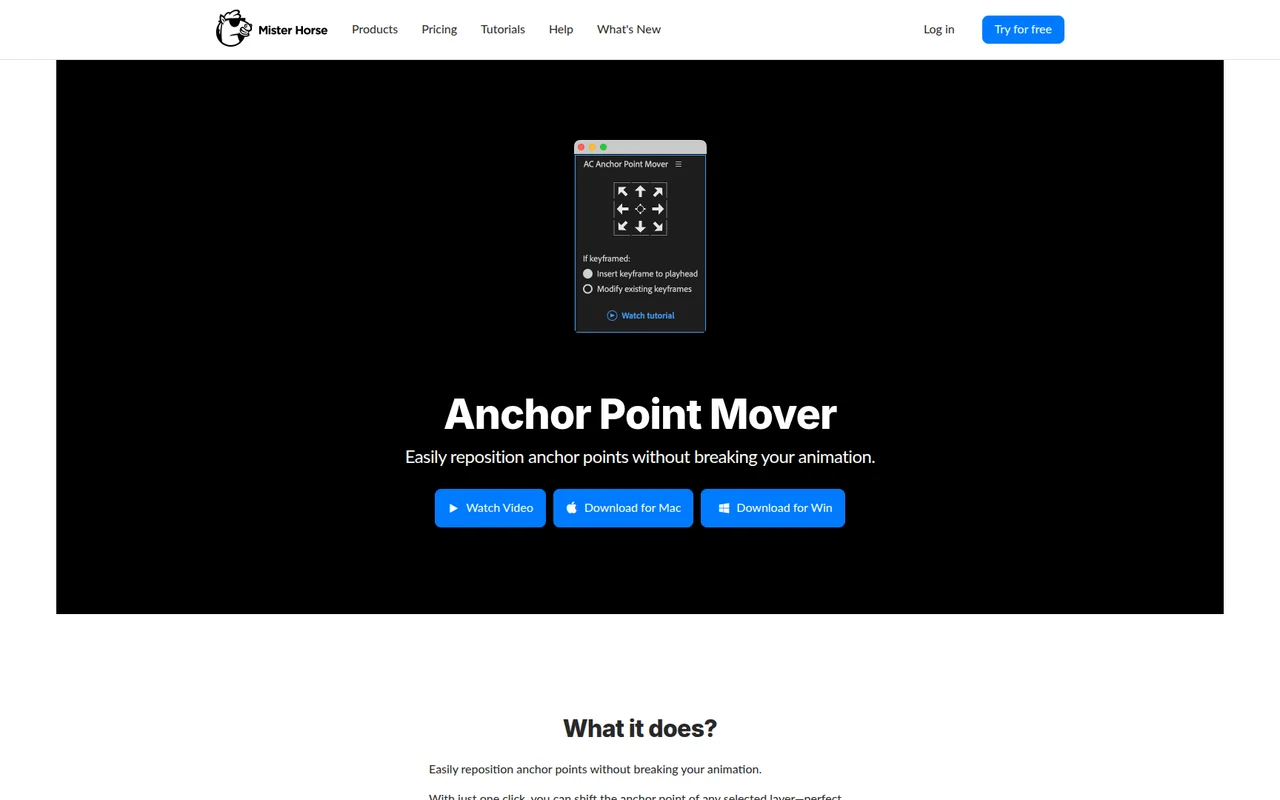
Anchor Point Mover shifts the anchor point of any selected layer without disrupting existing animations. Move the pivot point for scaling or rotation operations while keeping all your keyframes exactly where they are.
This matters when you need precise control over transform operations. A bar chart animating from the center looks wrong. Anchor it from the bottom, and suddenly the bars grow naturally upward. The plugin handles the math so you don’t have to manually offset position values to compensate.
Key Features
One-click repositioning. Select a layer, click a position (top, bottom, center, corner), and the anchor point moves there. Works on shape layers, text, solids, footage, anything.
Keyframe preservation. Position keyframes and existing anchor point keyframes stay intact. The plugin adjusts the position property value to counteract the anchor point shift, keeping your layer visually in the same spot.
Graph Editor compatibility. Because it preserves keyframes rather than wiping them, your animation curves survive. Useful mid-project when you realize the anchor point is wrong but the timing is already dialed in.
Who It’s For
Motion designers building data visualizations where anchor points determine animation direction. Character animators who need limbs to rotate from joints. Anyone who’s manually calculated position offsets after moving an anchor point and would rather not do that again.
Bundled with Animation Composer, so if you already use Mister Horse tools, it’s in your panel.
Pricing
Free. No trial period, no paid tier. Download it from Mister Horse and use it.
