
What It Does
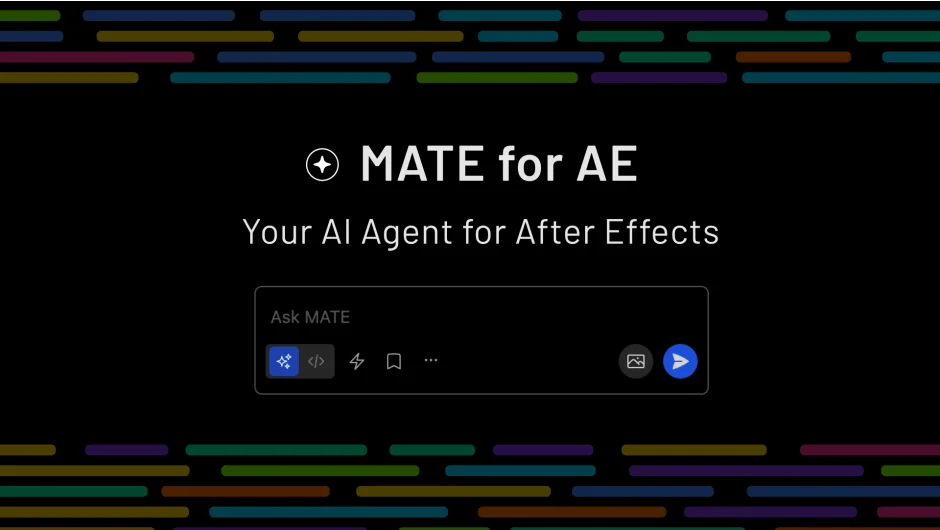
MATE for AE is an AI agent extension for After Effects, built by OMATA Labs. You type plain English instructions and it executes tasks directly inside After Effects, from staggering layers to generating custom expressions to chaining multi-step render queue operations. AI usage is fully included, no API keys or external account setup required.
Key Features
Agent Mode. Give MATE a plain-language instruction and it handles the underlying layer logic for you. Useful for repetitive batch tasks like applying fade-ins across a project, reordering layers, swapping fonts across comps, or chaining steps like “show only the French text layers, add to render queue, and start the queue.”
Script Mode. Describe what you need and MATE writes proper ExtendScript. You can also drop in existing scripts and ask MATE to fix or extend them. Expressions work the same way: ask for a wiggle, a loop, or a conditional and apply it with one click.
Script Library. Save generated scripts and expressions for offline reuse. Drag to reorder, share with your team, and use the inline picker to call them up quickly. Saved scripts run without any AI connection. Auto-title and auto-description generation keeps the library organized without manual effort.
MCP (Model Context Protocol). Connects MATE to external services like Notion, CI HUB, and Linear. A common use case: pull copy from a Notion doc and populate text layers automatically, no copy-pasting between apps.
AI Model Options. Runs on GPT, Claude, Gemini, or Mistral. Models are kept current, and all usage is covered by the subscription.
Who It’s For
Motion designers who spend time on repetitive layer management, text replacement, or render queue work will get the most out of Agent Mode. Designers who write expressions or ExtendScript occasionally but find it slow will benefit from Script Mode. Teams can use the shared library to distribute reusable scripts without everyone needing an active AI session.
Pricing
MATE for AE is sold as a subscription through aescripts.com with a free trial available.
- Monthly plan and annual plan options available
- Intro pricing is locked in at the rate active at signup, as long as the subscription remains active
- Single user and floating server license types are offered