
What It Does
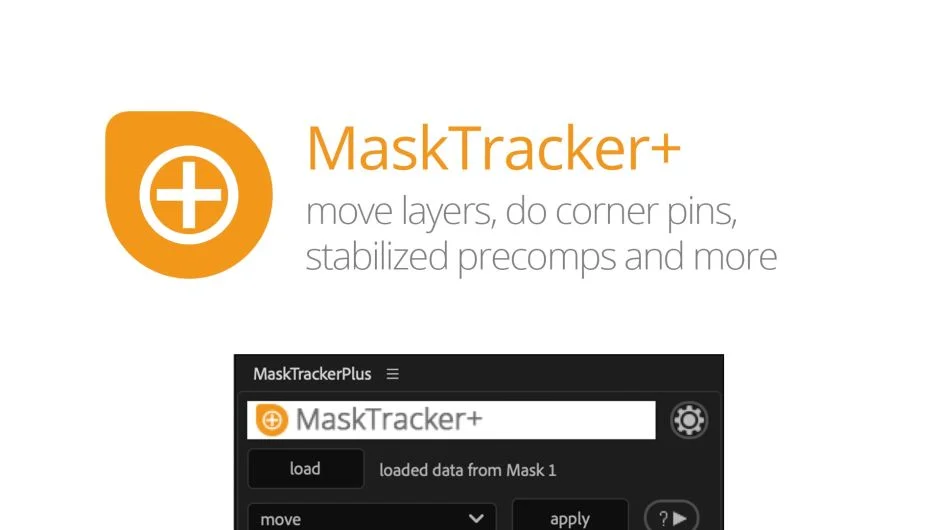
MaskTracker+ takes the tracking data from After Effects’ built-in mask tracker and converts it into planar tracking capabilities. Instead of just moving masks, you can animate layers, create corner pins, or stabilize footage based on mask track data. The plugin analyzes mask movement to reconstruct tracking information, working with any mask source where vertex count stays constant.
Key Features
Move layers. Animates position, scale, and rotation of layers based on mask tracking data. Track a mask on the object you want to follow, then apply the movement to any layer.
Corner Pin. Creates corner pins from mask tracks. Position the corners where they should be on the current frame, and MaskTracker+ adds keyframes to follow the mask movement. Supports standard corner pins, CC Power Pin, and Red Giant Warp.
Stabilized Precomps. Generates a precomp with a stabilized view of the tracked object. Make retouching or painting adjustments in the stabilized environment, and those changes transfer back to the original perspective automatically.
Stabilize Footage. Eliminates shaky camera movement based on mask tracking. You can remove motion completely or create a custom stabilization rig with independent smoothness controls for position, scale, and rotation.
Multi-mask averaging. Load tracking data from multiple masks simultaneously to improve accuracy by averaging their movement. Also useful for switching tracking regions mid-shot by tracking one mask, then continuing with another.
The workflow is straightforward: track your mask normally, click the load button to import the tracking data, then choose your function. Built-in tutorials explain each feature if needed.
Who It’s For
Compositors and VFX artists who want planar tracking capabilities without leaving After Effects. Useful for simple tracking tasks where switching to mocha feels like overkill. Works well for screen replacements, sign replacements, or object tracking in shots without heavy motion blur or complex perspective changes.
For challenging tracks with reflections or significant motion blur, mocha’s planar tracking typically performs better. MaskTracker+ handles straightforward tasks faster since you stay in After Effects the whole time.
Pricing
Pay what you want pricing model. The suggested price is $49.99, but you choose the amount when purchasing. A free trial is available to test the plugin before buying.
Available individually or as part of the Tracking Bundle ($79.99), which includes MochaImport+ for mocha-based tracking workflows.