
What It Does
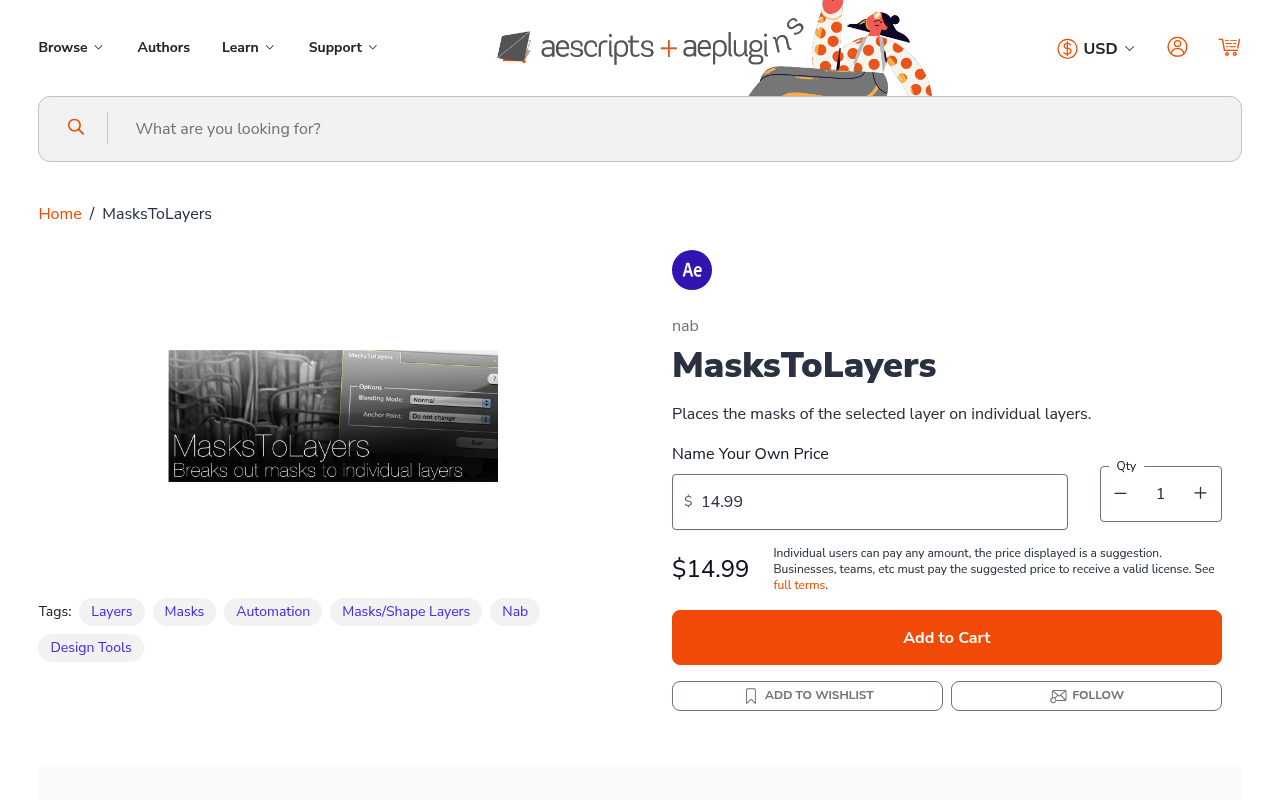
MasksToLayers takes all the masks on a selected layer and splits them onto separate duplicate layers. For each mask, the script creates a new layer with only that one mask preserved. You can specify the blending mode for each new layer and optionally move the anchor point to the mask center.
This addresses a common scenario: you’ve drawn multiple masks on a single layer and now realize you need them on separate layers for independent control. Instead of manually duplicating and deleting masks, this script handles the repetitive work.
Key Features
Automatic layer duplication. Creates one new layer per mask from the original.
Blending mode control. Set how each duplicated layer blends with the composition.
Anchor point repositioning. Option to center the anchor point to each mask’s position, useful for transform operations.
The script is straightforward, no complex UI, just select a layer and run it.
Who It’s For
Useful when working with shape animations, rotoscoping, or any workflow where you’ve built multiple masks on one layer and need to separate them for timing adjustments, independent transformations, or applying different effects to each masked region.
Pricing
MasksToLayers uses a pay-what-you-want model with a suggested price of $14.99. You choose your price as an individual user. Businesses and teams must pay the suggested amount for a valid license. Users eligible for upgrade pricing can get it for $5.99 when logged in.